ADFS 调用 Linux LDAP作为后端进行身份认证.note
1、先正常配置 ADFS
2、配置好后调用ldap:
1)指定连接LDAP的凭据和服务器地址:
# 添加 ldap凭据:
$ldapuser = "cn=admin,dc=wsc2022,dc=kr"
$ldappass = ConvertTo-SecureString Skill39 -AsPlainText -Force
$cred = New-Object System.Management.Automation.PSCredential($ldapuser, $ldappass)
$openldap = New-AdfsLdapServerConnection -HostName intsrv.wsc2022.kr -Port 389 -SslMode None -AuthenticationMethod Basic -Credential $cred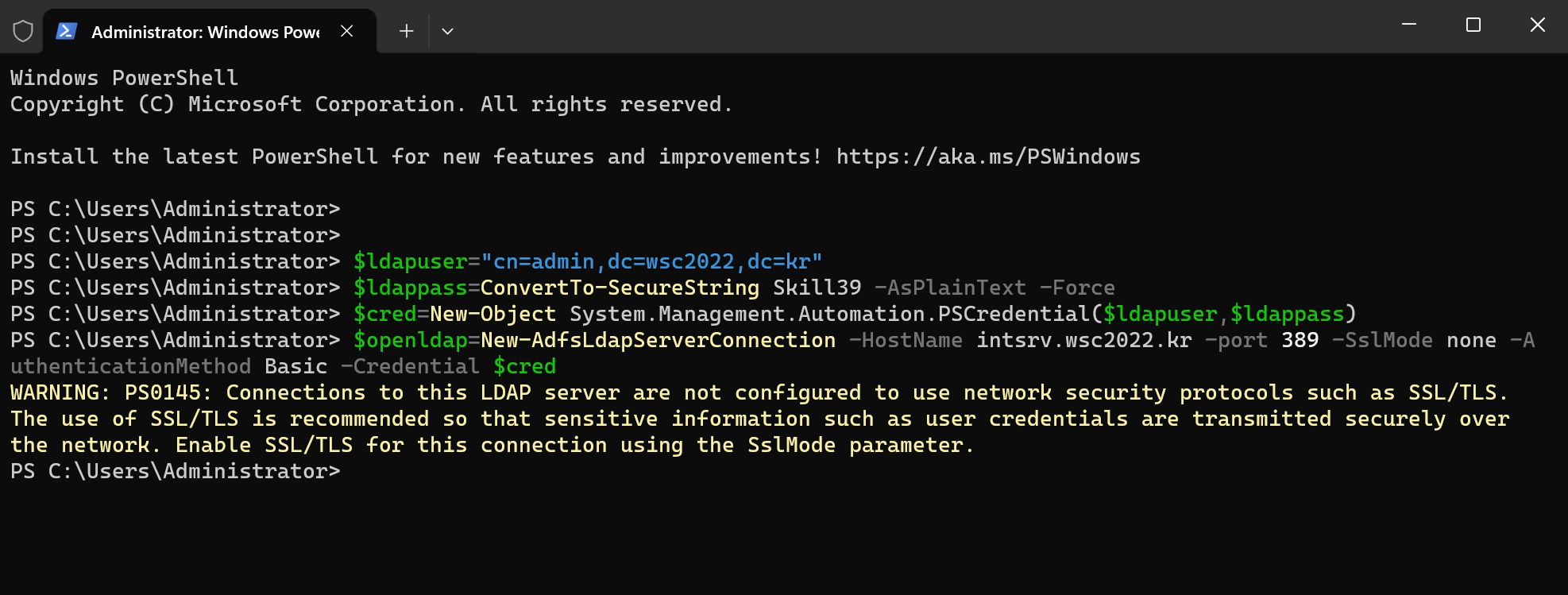
2)建立ADFS本地声明:
需要与上面的在同一个powershell中
Add-AdfsLocalClaimsProviderTrust -Name "wsc2022.kr-OpenLDAP" -Identifier "urn:openldap" -LdapServerConnection $openldap -UserObjectClass inetOrgPerson -UserContainer "dc=wsc2022,dc=kr" -AnchorClaimLdapAttribute mail -AnchorClaimType "http://schemas.xmlsoap.org/ws/2005/05/identity/claims/upn" -AcceptanceTransformRules 'c:[]=>issue(claim=c);' -Type ldap -LdapAuthenticationMethod Basic -Enabled $true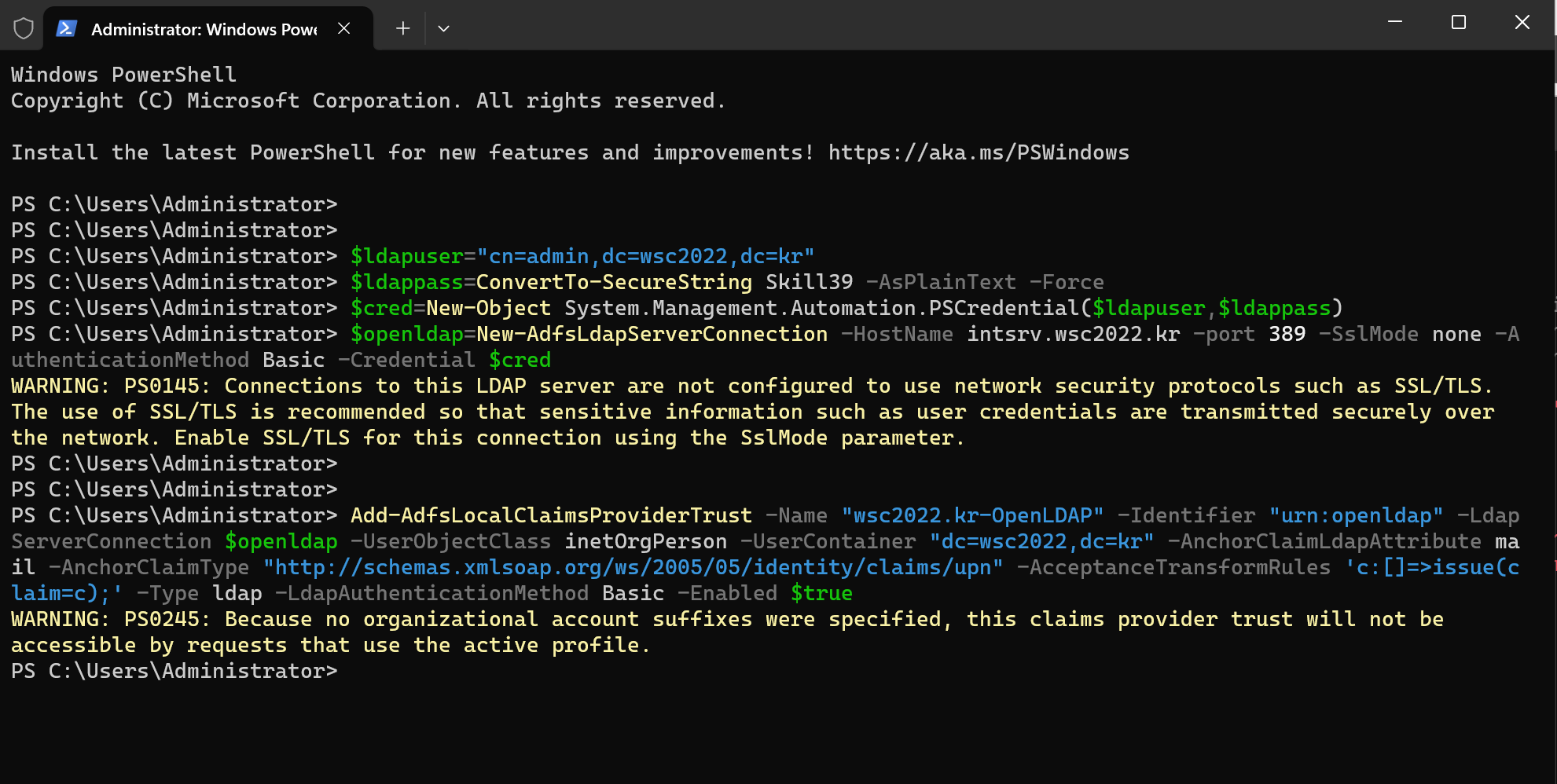
3)开启测试页面,并进行测试:
Set-AdfsProperties -EnableIdPInitiatedSignonPage $true 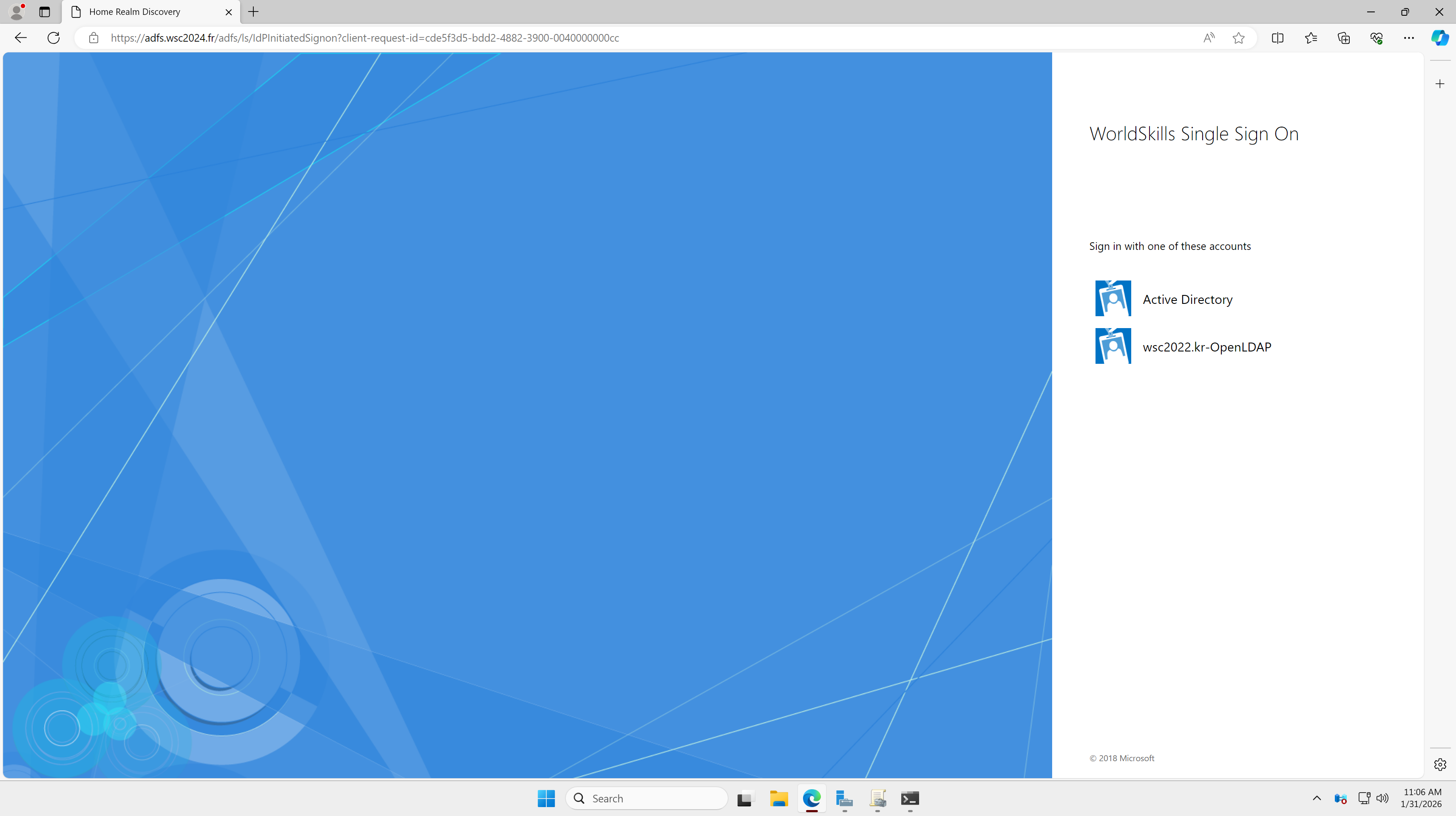
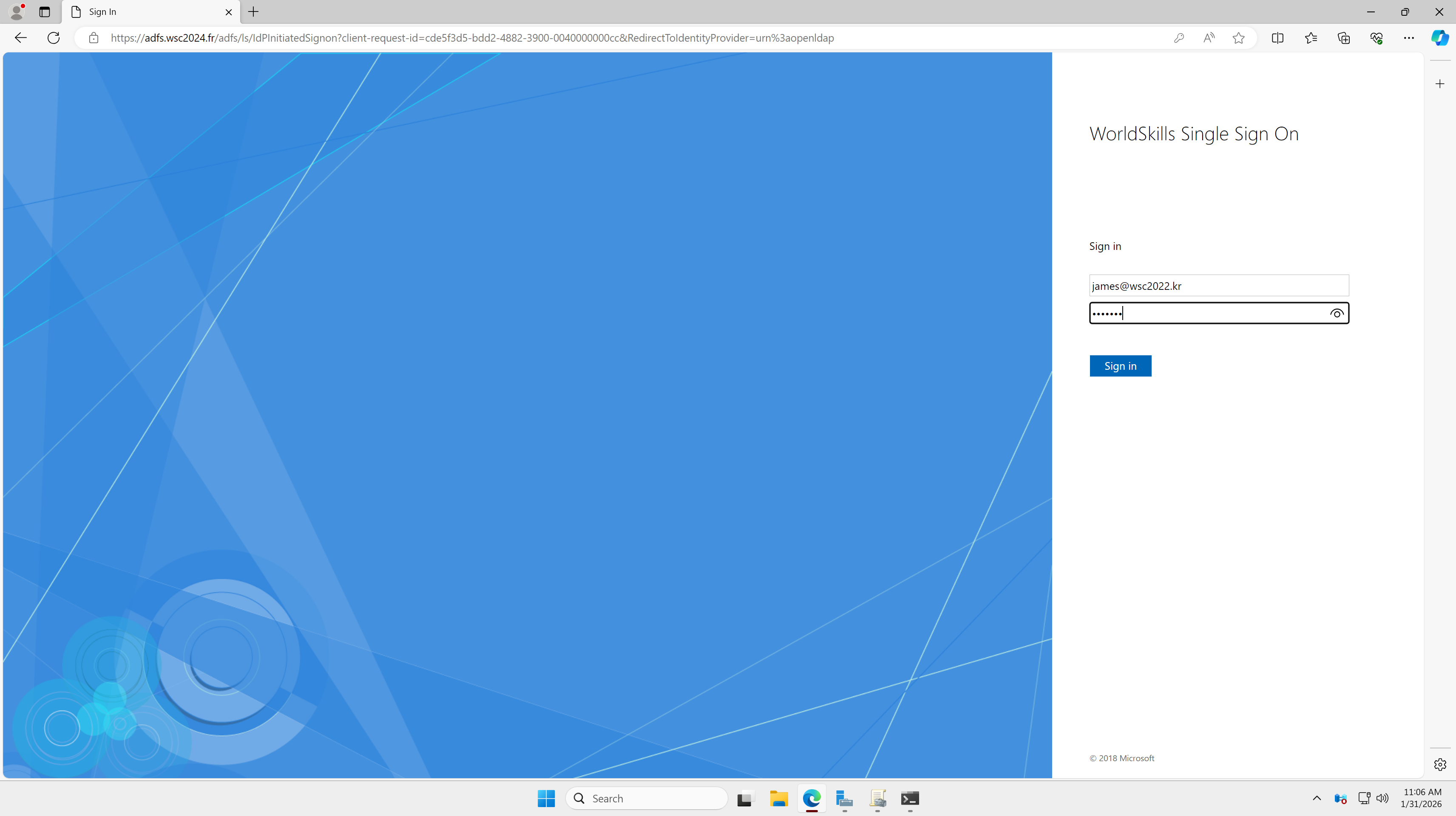
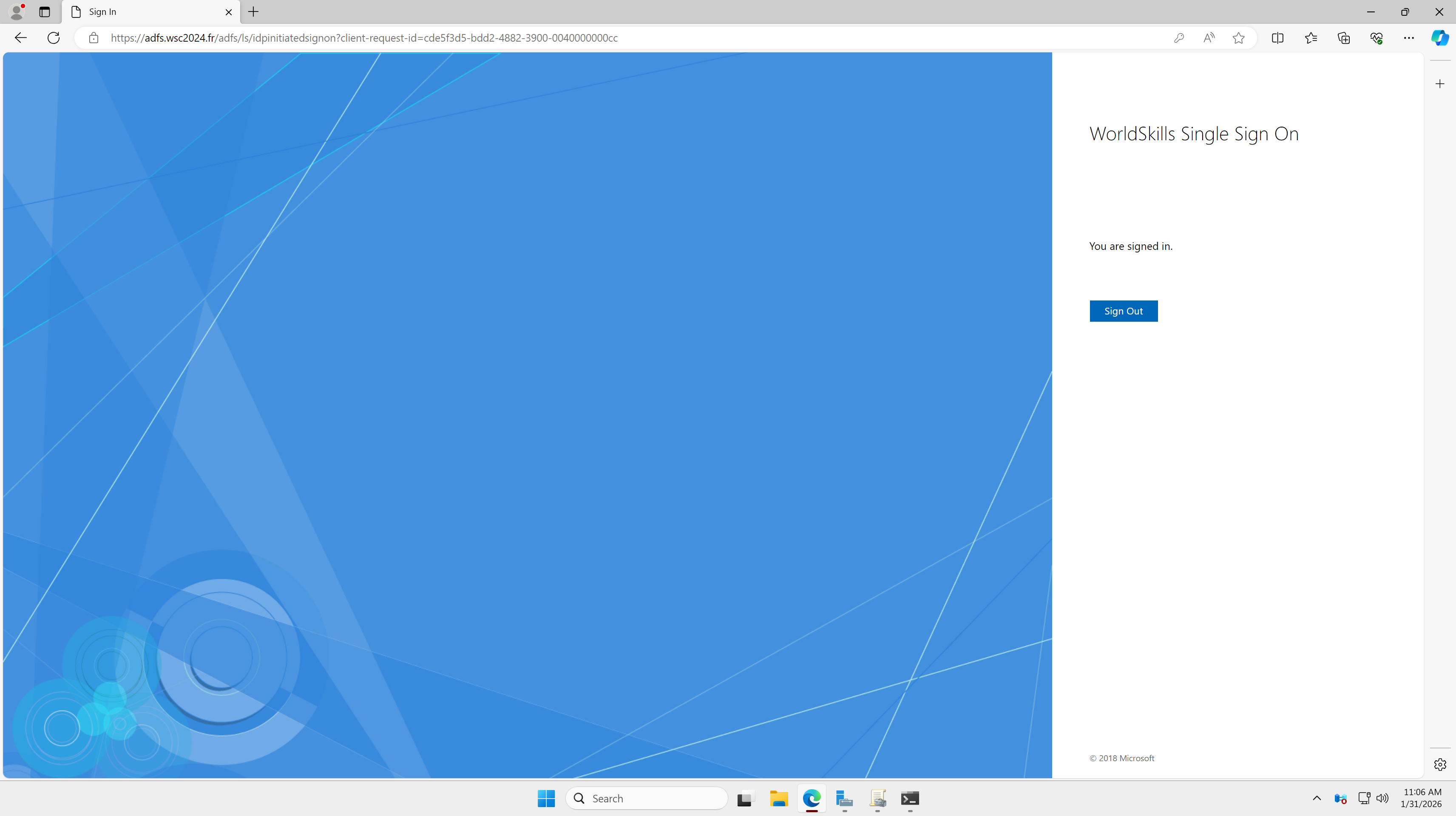
登陆成功: