LDAP启用日志.note
一、配置 LDAP启用日志:
启用日志记录功能,路径为 /var/log/ldap.log1、配置ldap,设置日志级别:
# 在 slapd.conf 中配置:
cp /usr/share/doc/slapd/examples/slapd.conf /etc/ldap

slappasswd >> slapd.conf
vim slapd.conf
:%s/dc=example,dc=com/dc=shanghai,dc=org
## 基础配置这里不赘述
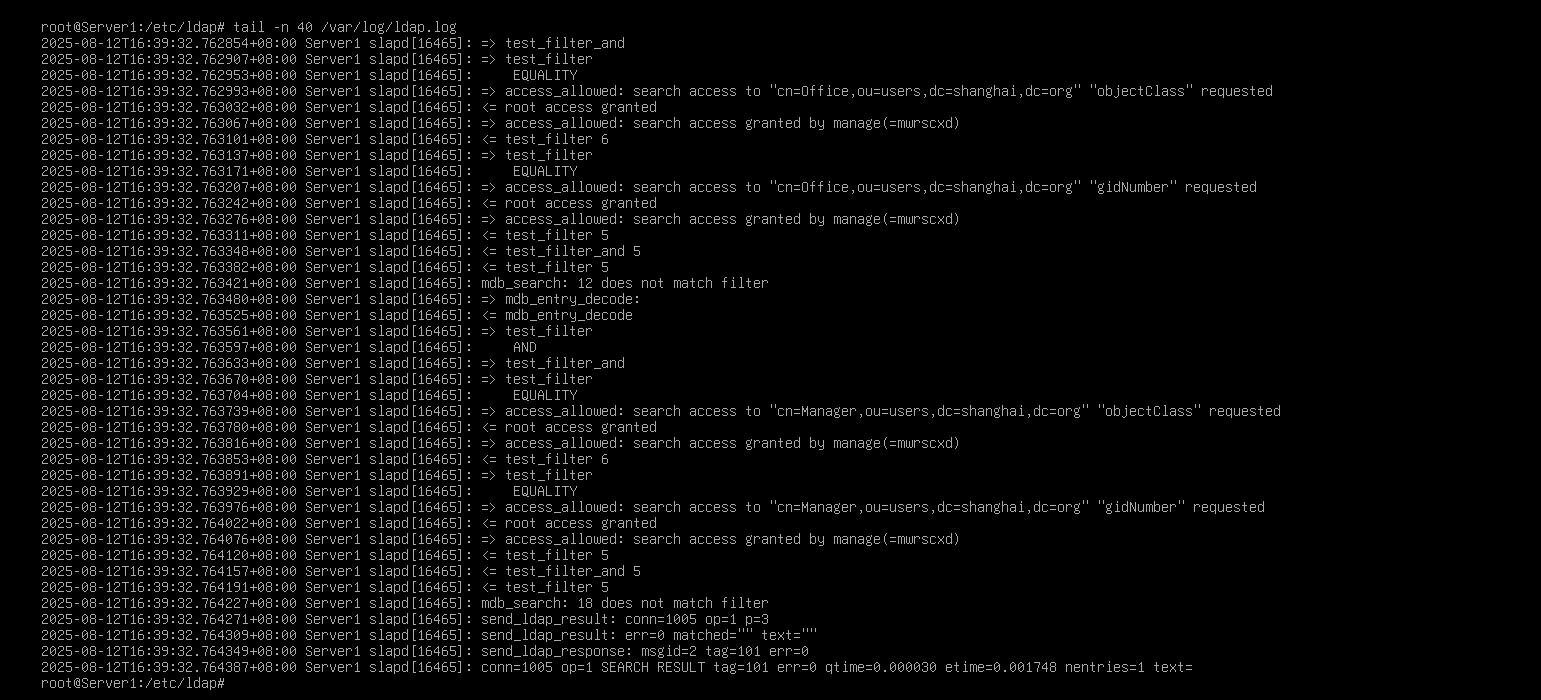
因为题目没说日志级别,那么我们就使用 any,将任何日志都输出到这个文件中:

# ldap日志级别:(在slapd.conf 中可以写别名,也可以写数字,一样的效果)
别名    数字        描述
any    -1 (0xFFFF)    所有日志(最高详细级别)
stats    256    基本统计信息
conns    8    仅连接管理日志
default    256    默认级别(统计信息)
acl    128    仅ACL处理日志
sync    16384    仅同步复制日志
filter    32    仅搜索过滤器处理日志
cache    4096    仅缓存操作日志
slaptest -f slapd.conf -F slapd.d/
chown -R openldap /etc/ssl/ssl.*
chown -R openldap:openldap slapd.d
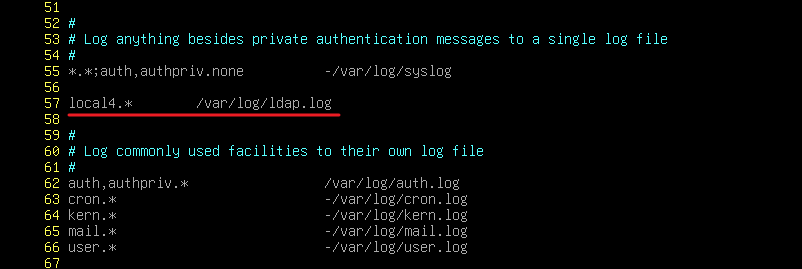
systemctl restart slapd2、配置 rsyslog,捕获ldap日志,输出到 /var/log/ldap.log 文件中:
apt install -y rsyslog
vim /etc/rsyslog.conf
# ldap默认的日志设施为 local4,因此我们只需要获取 日志设置为local4的日志即可
日志文件无需创建
查看: