Windows 更改 SID.note
可以更改 SID,再 Windows Client、 Windows Server Windows Server Core 上都能够更改
· 查看 SID:
cmd:
whoami /all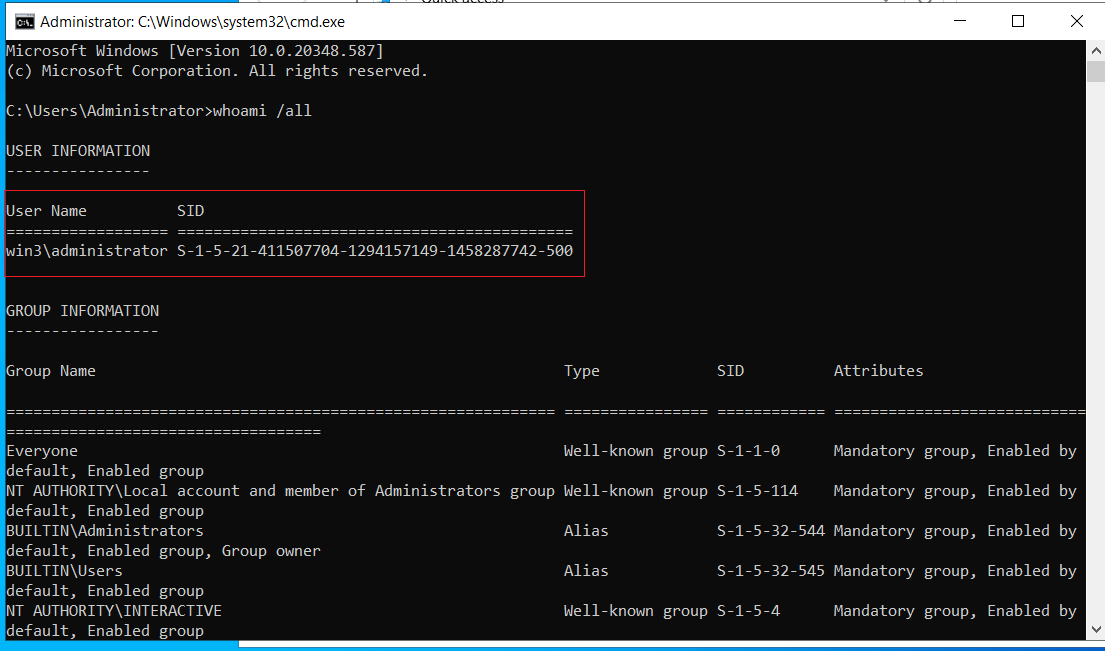
一、更改 SID:
1、图形化更改:
Win + E 打开文件资源管理器
进入 C:\windows\system32\sysprep 目录
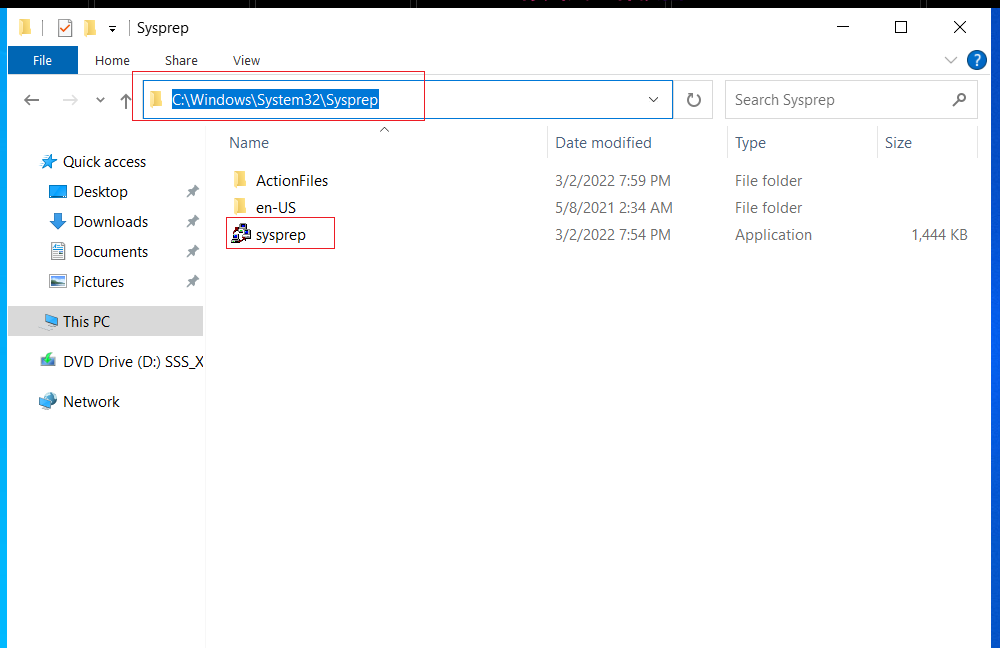
打开 sysprep.exe 文件
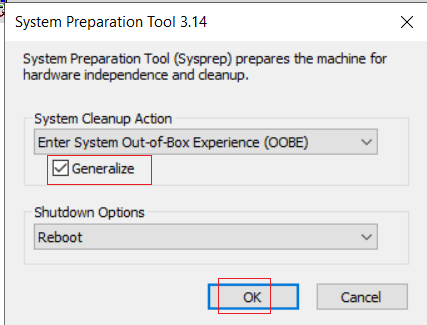
然后等待重启即可(重启后SID就更改成功了)
2、命令行更改:
Server Core 也是一样的配置
打开 powershell:
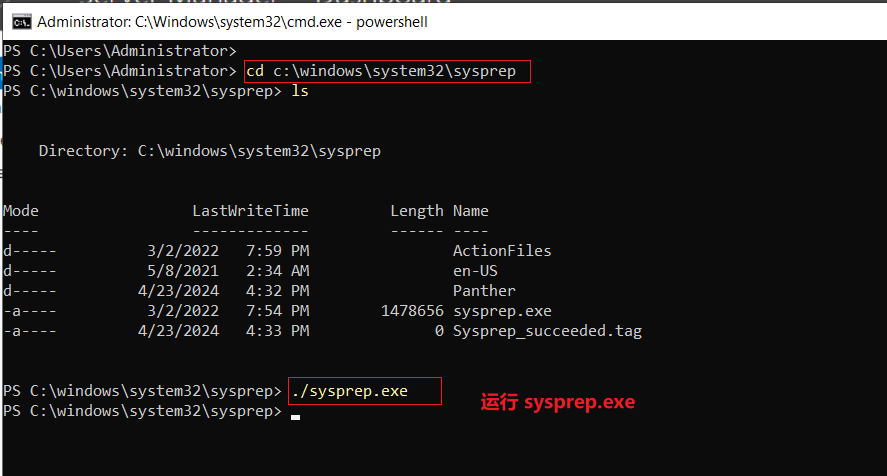
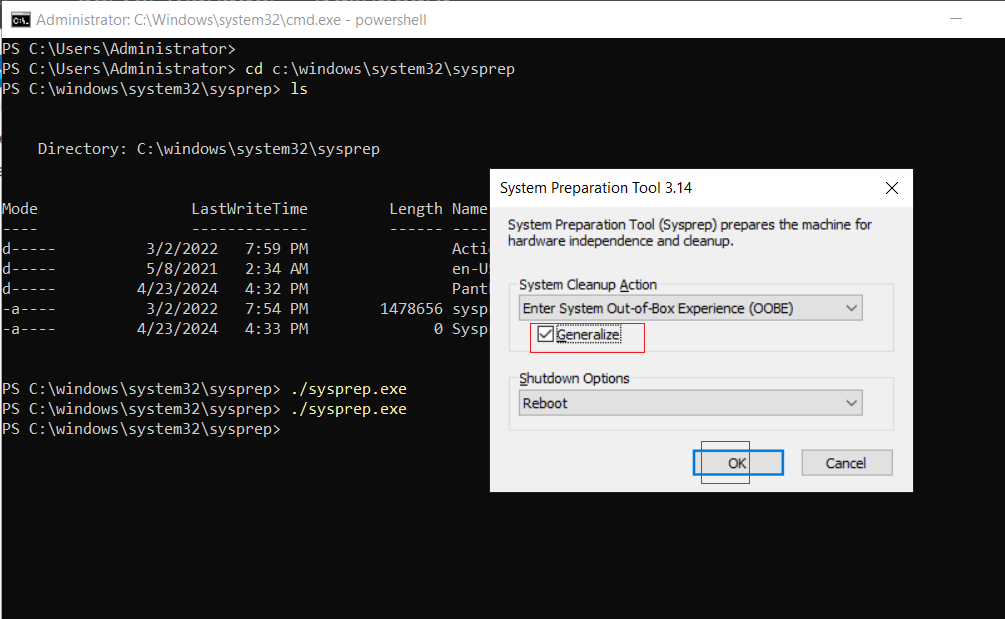
然后等待重启,则 SID修改成功