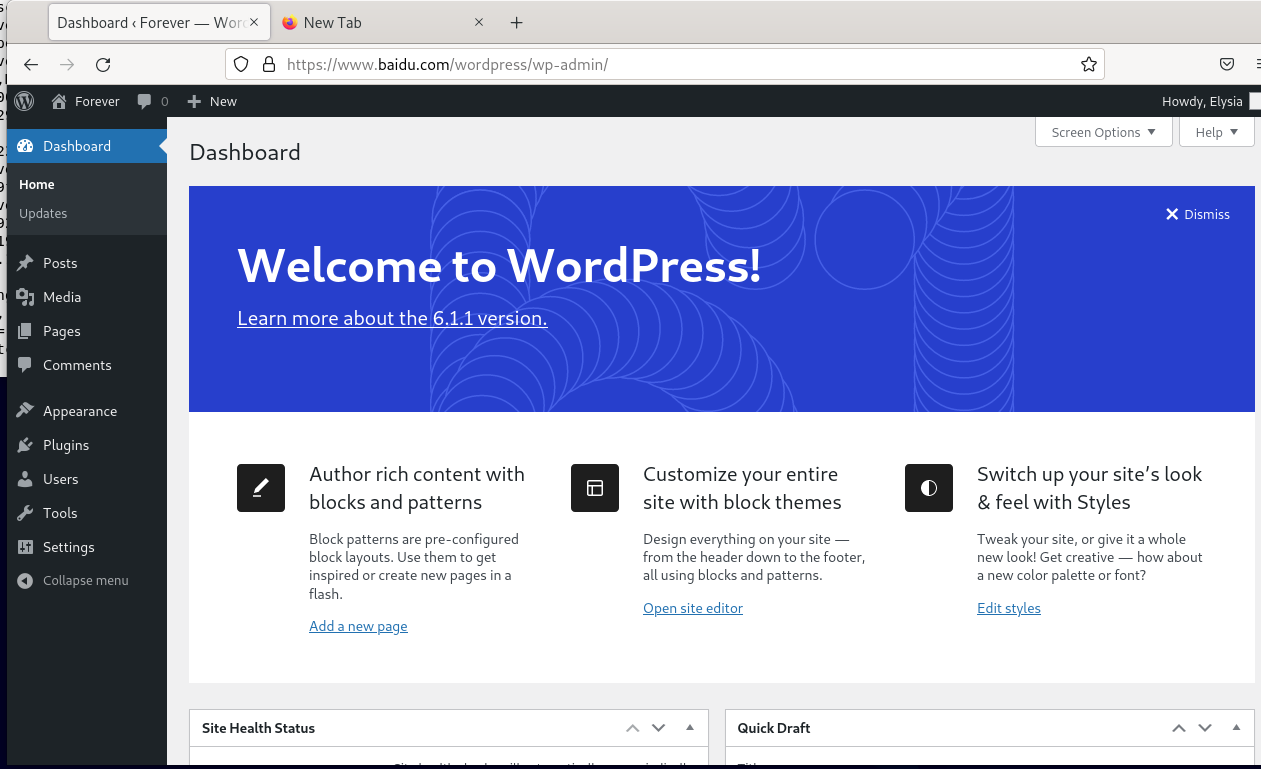
nginx 搭建 wordpress.note
一、配置 wordpress:
(1)安装 wordpress:
apt install -y wordpress(2)将 wordpress 目录拷贝到网站根目录下:
cp -r /usr/share/wordpress /var/www/html/(3)配置 wordpress:
rm ./wordpress/wp-config.php //删除其现有配置,否则无法访问(4)编辑 nginx配置:
apt install -y php8.2-fpm
vim /etc/nginx/nginx.conf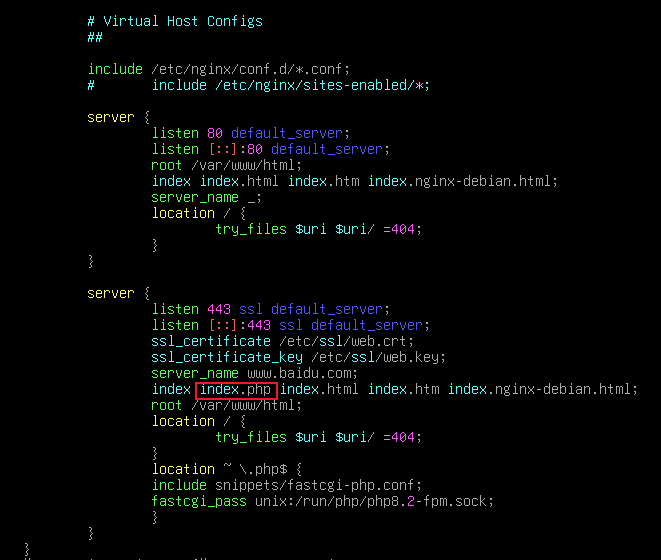
(5)配置 mysql:
apt install -y mariadb-server
mysql
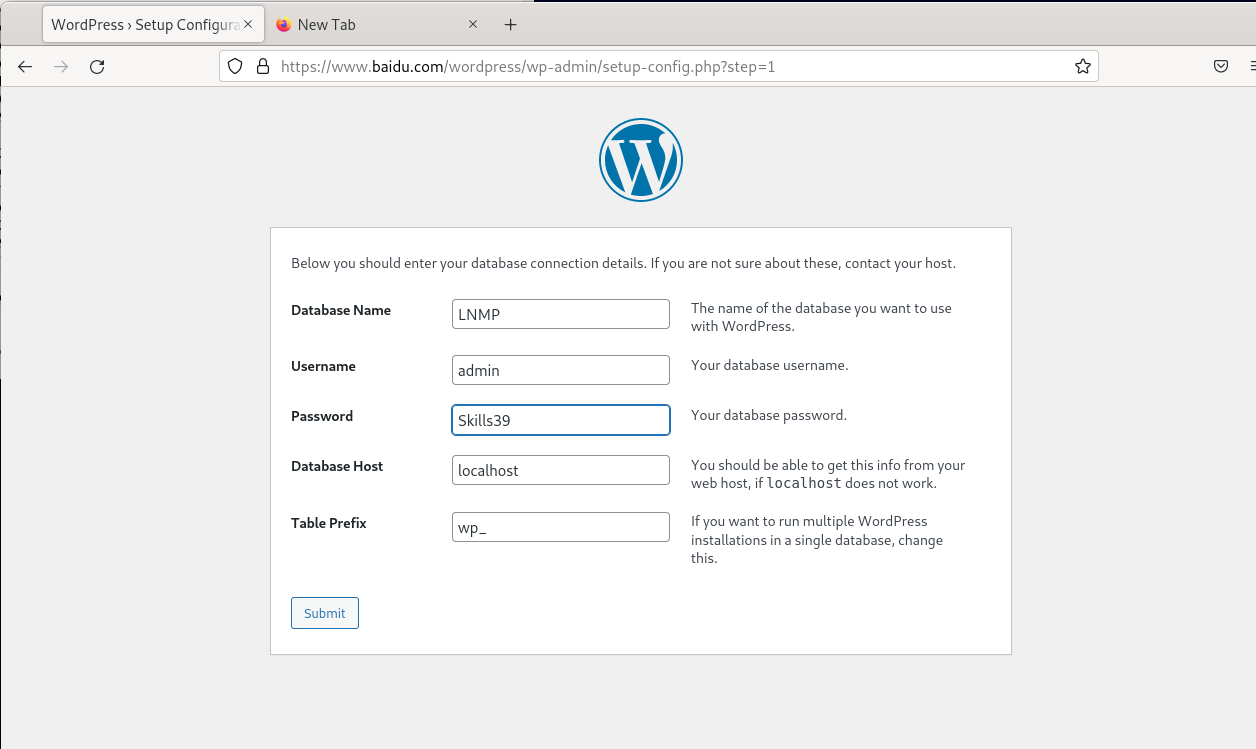
create database LNMP;
grant all privileges on LNMP.* to 'admin'@'%' identified by 'Skills39';    //允许使用admin用户从任何网段连接,密码skills39
flush privileges;    //刷新权限,可选命令(也可以不敲,重启机器来刷新)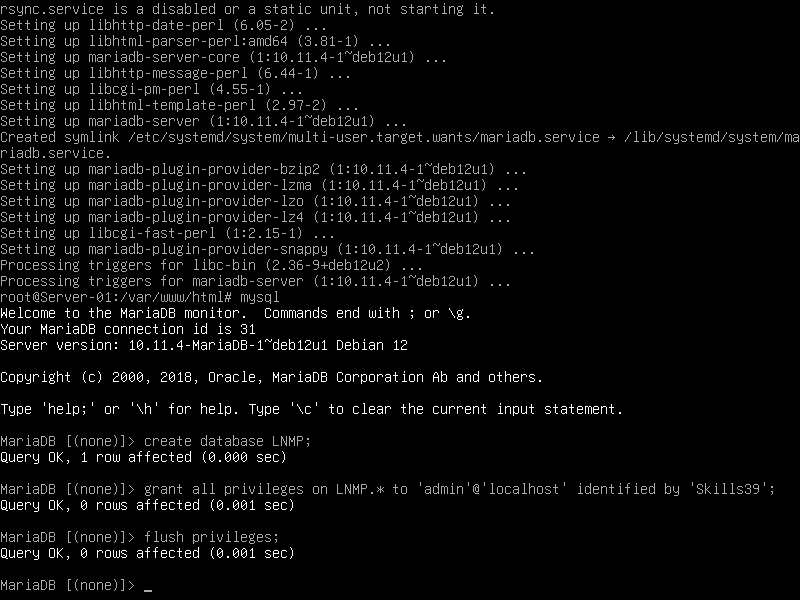
(6)编辑 其允许通过任意地址访问:
vim /etc/mysql/mariadb.conf.d/50-server.cnf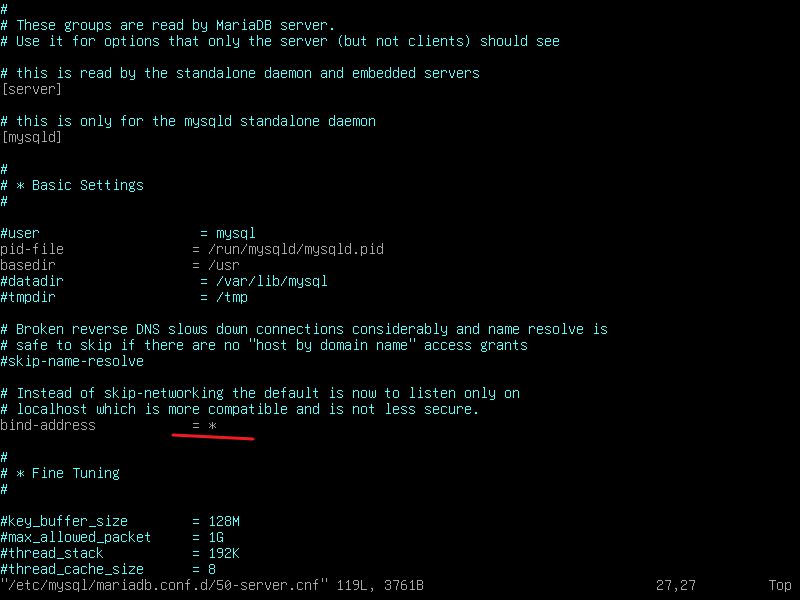
(7)给予 wordpress 目录及 网站 根目录权限:
chmod -R 777 ./wordpress
chmod -R 777 /var/www/html
(8)在客户端上访问:
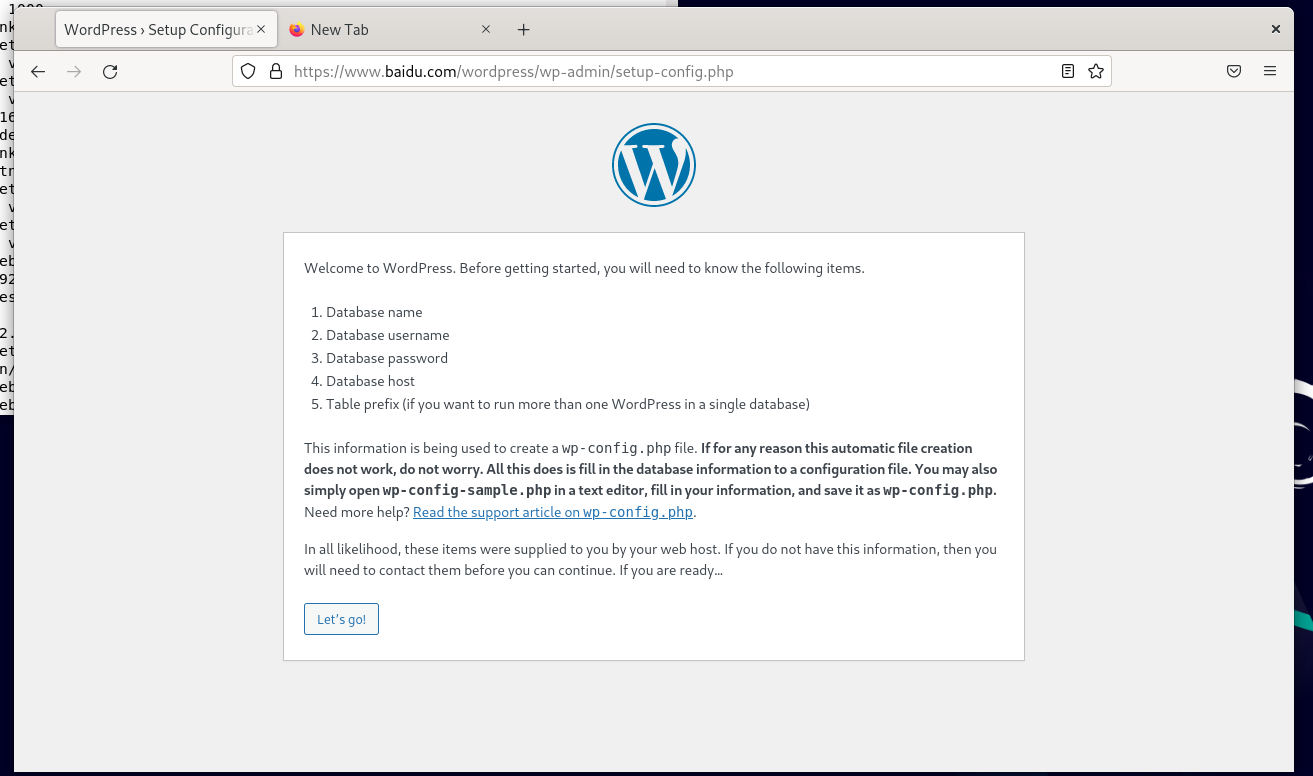
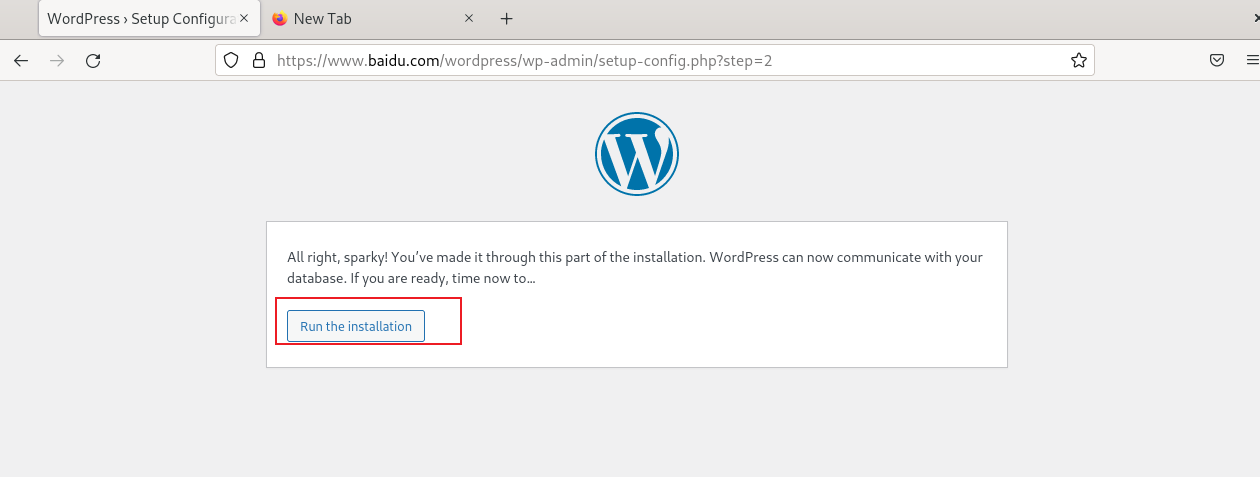
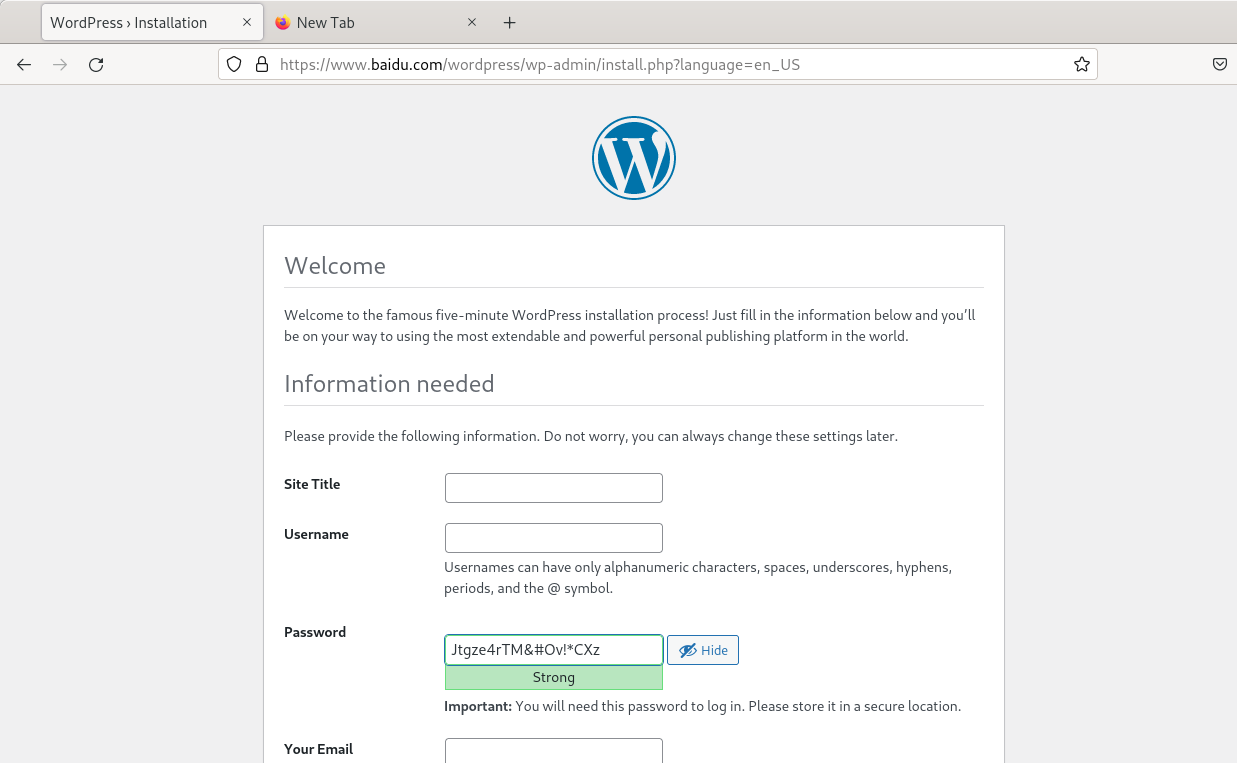
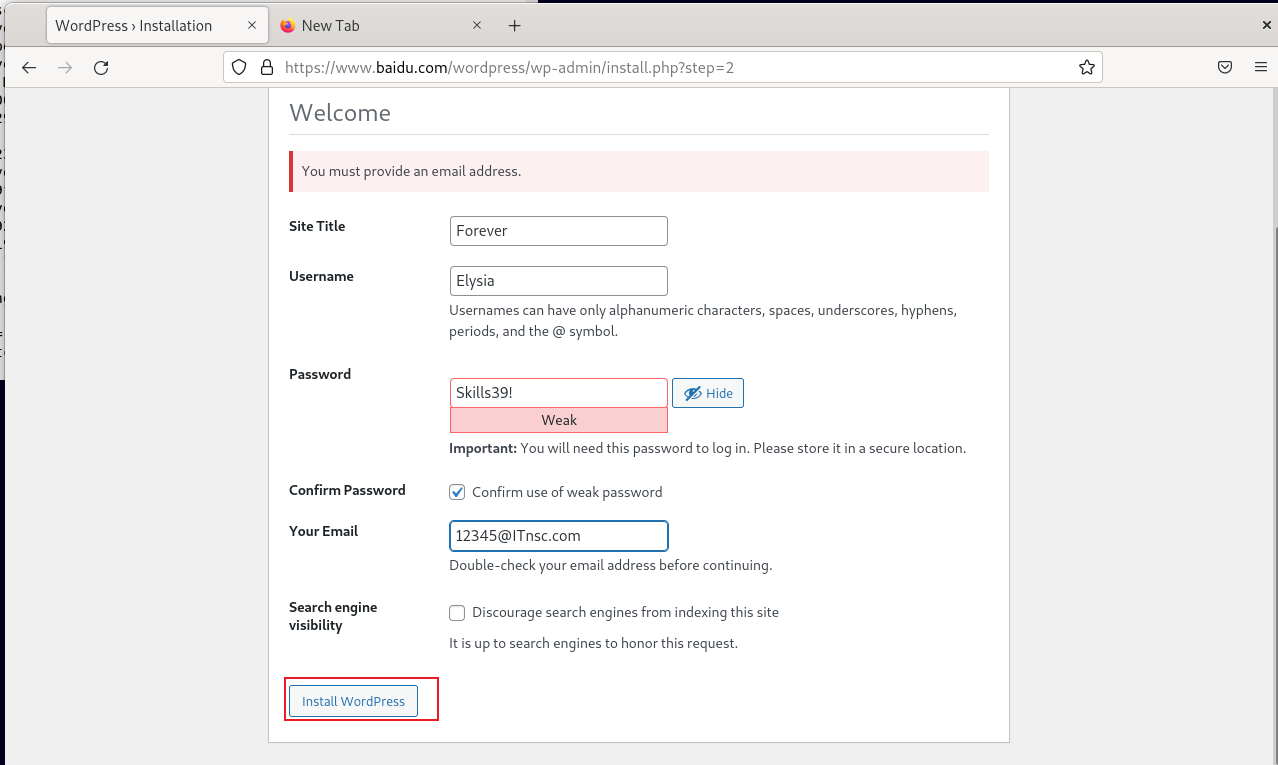
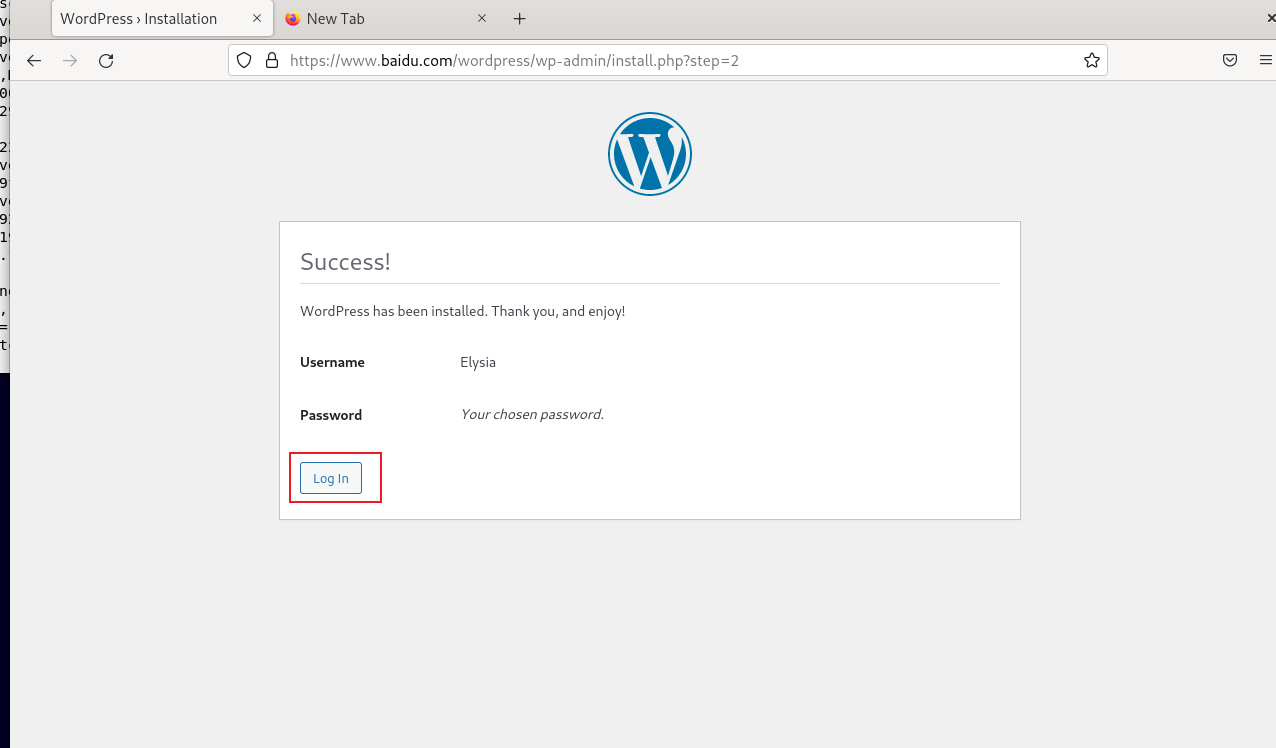
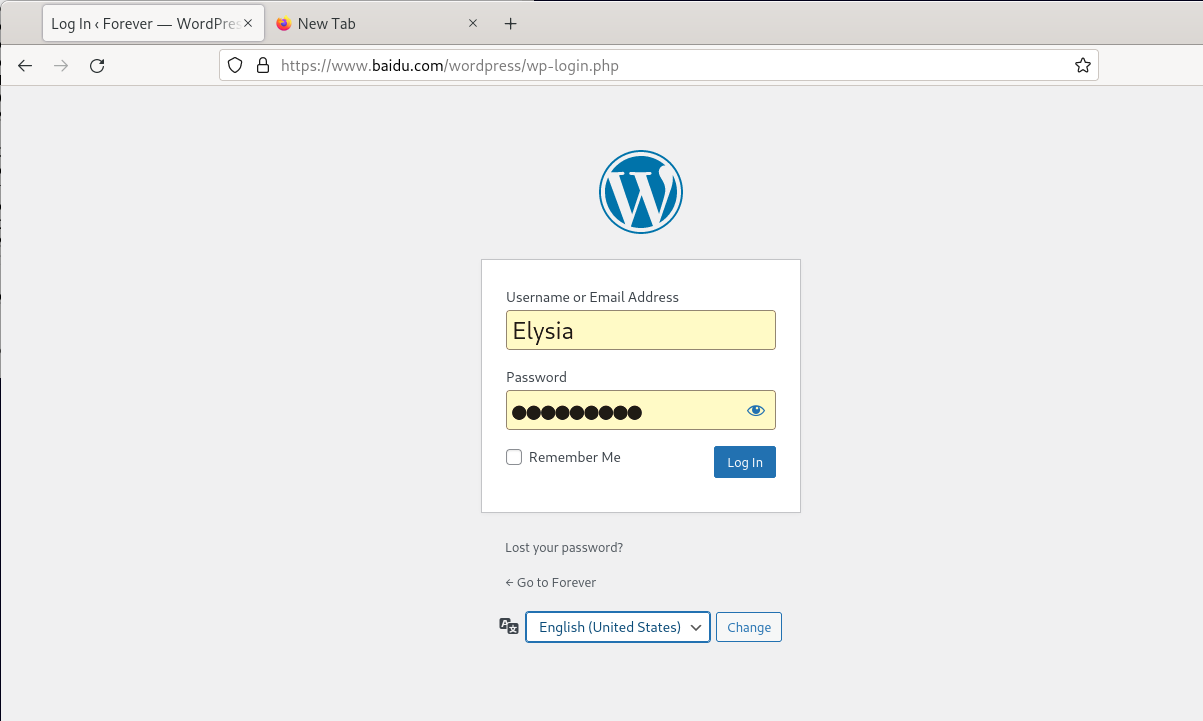
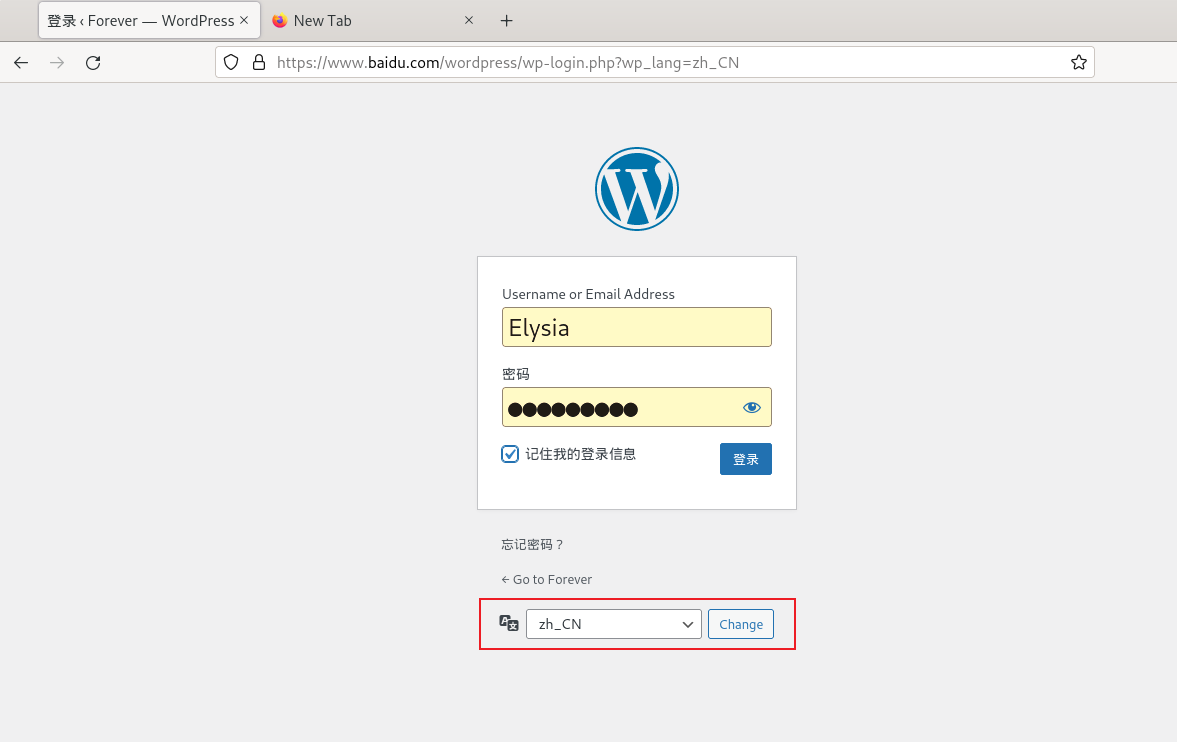
https://www.baidu.com/wordpress/index.php此时会自动跳转到: