git.note
1、git
adduser git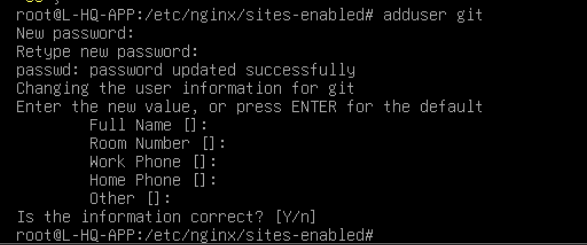
mkdir -p /srv/git
chown git:git /srv/git
vim /etc/passwd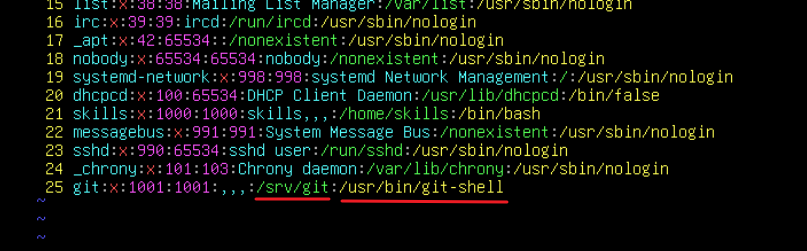
# 创建 bare 仓库:
cd /srv/git
git init --bare ansible-ops.git
chown -R git:git ansible-ops.git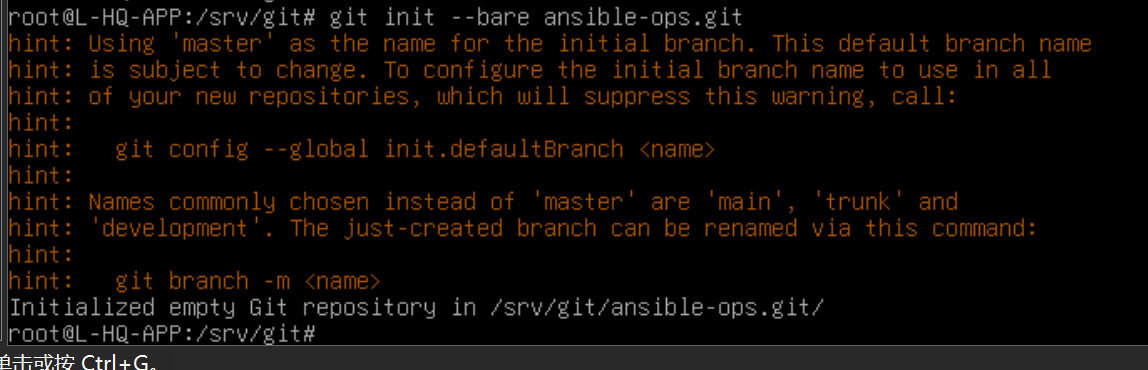
# 允许导出含有 git-daemon-export-ok 标记的文件:
## 这个点配不配都无所谓
cd /srv/git/ansible-ops.git
touch git-daemon-export-ok
chown git:git git-daemon-export-ok
# 配置为服务:
cd /etc/systemd/system
cp sshd.service git-daemon.service
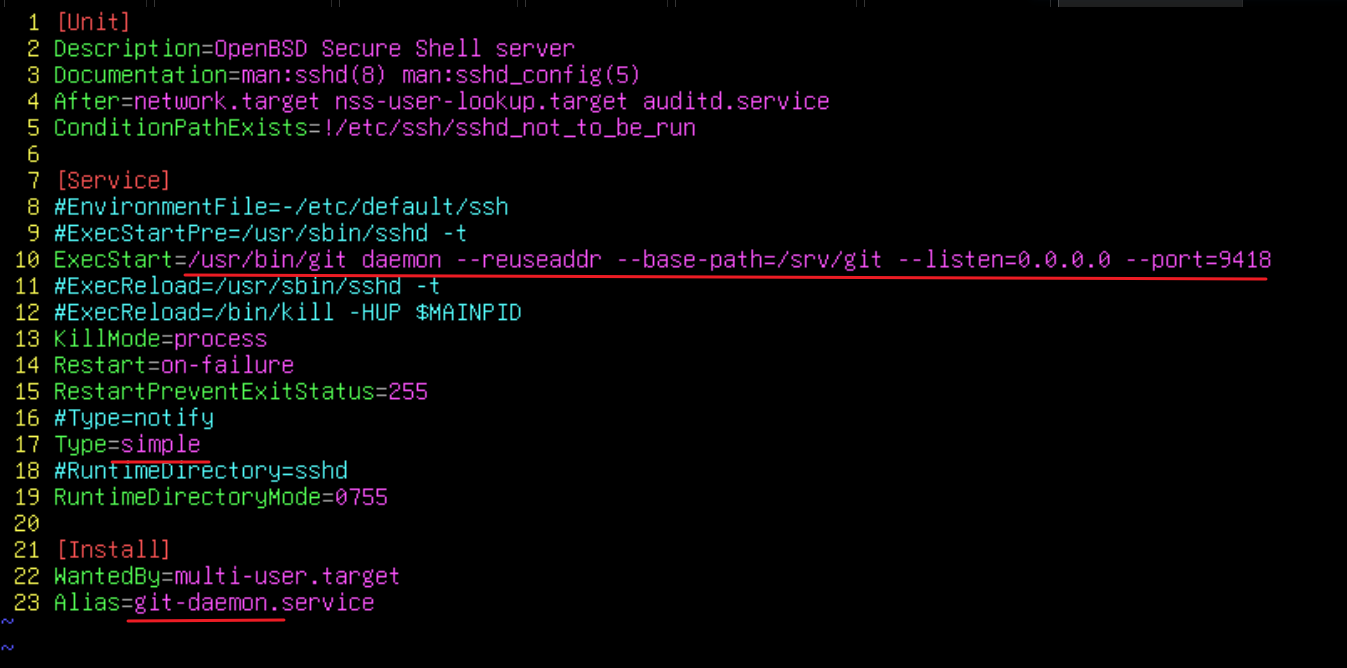
vim git-daemon.service
# 可以用 git daemon --help 查看参数
## Type 必须是 simple,如果是notify,会一直卡在前台
## 需要改一下 Alias,否则设置 enable的时候会提示已经有一个 sshd,无法设置为enable极简:
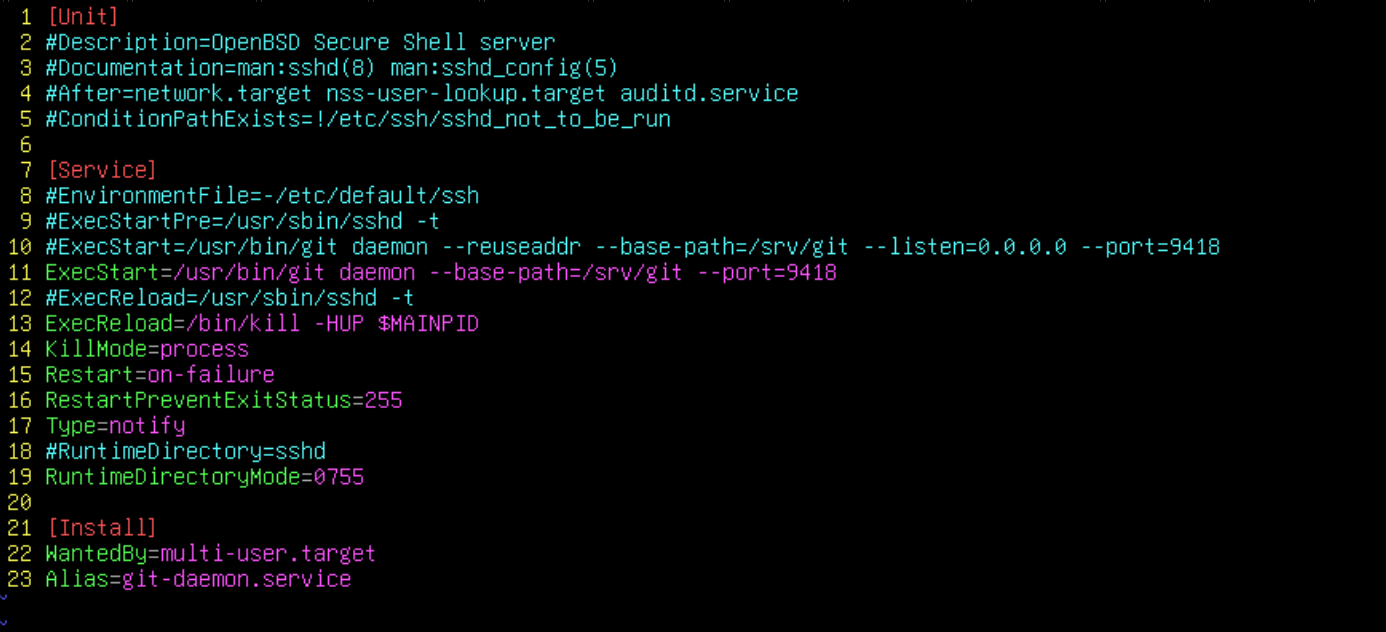
把所有包含ssh的注释掉即可,其他描述性的就无所谓
systemctl daemon-reload
systemctl enable git-daemon --now
建议用 --system,用 --global 有时不会生效
# 为目录配置例外:
git config --system --add safe.directory /srv/git/ansible-ops.git
systemctl restart git-daemon

# 直接伪造(暂时不用)
mv /usr/bin/tail ~
vim /usr/bin/tail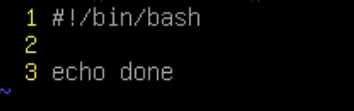
2、hooks:
只要 post-receive 脚本存在
/opt/ansible-deploy/ 目录中存在 yml剧本即可
git init /opt/ansible-deploy
touch /opt/ansible-deploy/test.yml

# 编写脚本(脚本路径为题目要求):
vim /srv/git/ansible-ops.git/hooks/post-receive
## 脚本内容写不写都无所谓,只要文件在,权限对即可
chown -R git:git /opt/ansible-deploy
chown git:git /srv/git/ansible-ops.git/hooks/post-receive
chmod 755 /srv/git/ansible-ops.git/hooks/post-receive
·然后必须产生一个提交,否则会出现警告:
cd /ops/ansible-deploy
git init
git remote add origin /srv/git/ansible-ops.git
touch test.yml
git add .
git commit -m "init"
git push origin master