用命令行建立S2S 隧道.note
1、用命令行建立 预共享密钥 S2S隧道:
# 配置 RRAS(两端都配置):
## 启用:
install-remoteaccess -vpntype vpns2s    //(注意)配置了这个命令之后,图形化就访问不了rras了(控制不了)
start-service remoteaccess
set-service remoteaccess -starttype automatic

## 配置 接收IKEv2协议:
Set-VpnAuthProtocol -UserAuthProtocolAccepted PreSharedKey -TunnelAuthProtocolsAdvertised PreSharedKey -SharedSecret Skills39
restart-service remoteaccess
1)S1端:
# 创建s2s接口:
Add-VpnS2SInterface -name S2S-1 -Destination 20.1.1.2 -Protocol IKEv2 -AuthenticationMethod PSKOnly -SharedSecret "Skills39" -IPv4Subnet 30.1.1.0/24:1 -Persistent -AdminStatus $true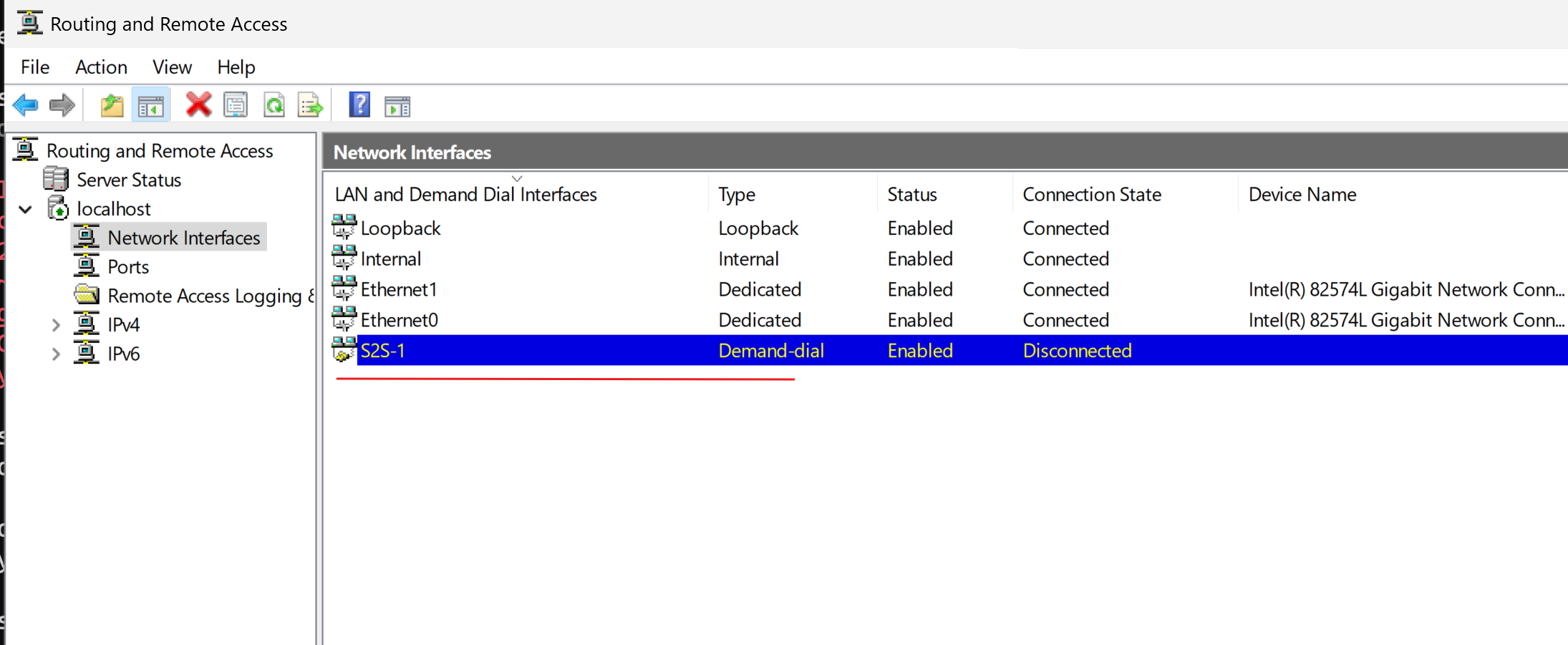
Name                         隧道名字
Destination                  对端公网 IP
AuthenticationMethod PSKOnly 使用预共享密钥
SharedSecret                 预共享密钥
IPv4Subnet                   对端内网网段:路由 metric
Persistent                   持久连接
AdminStatus $true    启用接口(如果是$false就是禁用接口)
2)S2端:
# 创建s2s接口:
Add-VpnS2SInterface -name S2S-2 -Destination 20.1.1.1 -Protocol IKEv2 -AuthenticationMethod PSKOnly -SharedSecret "Skills39" -IPv4Subnet 10.1.1.0/24:1 -Persistent -AdminStatus $true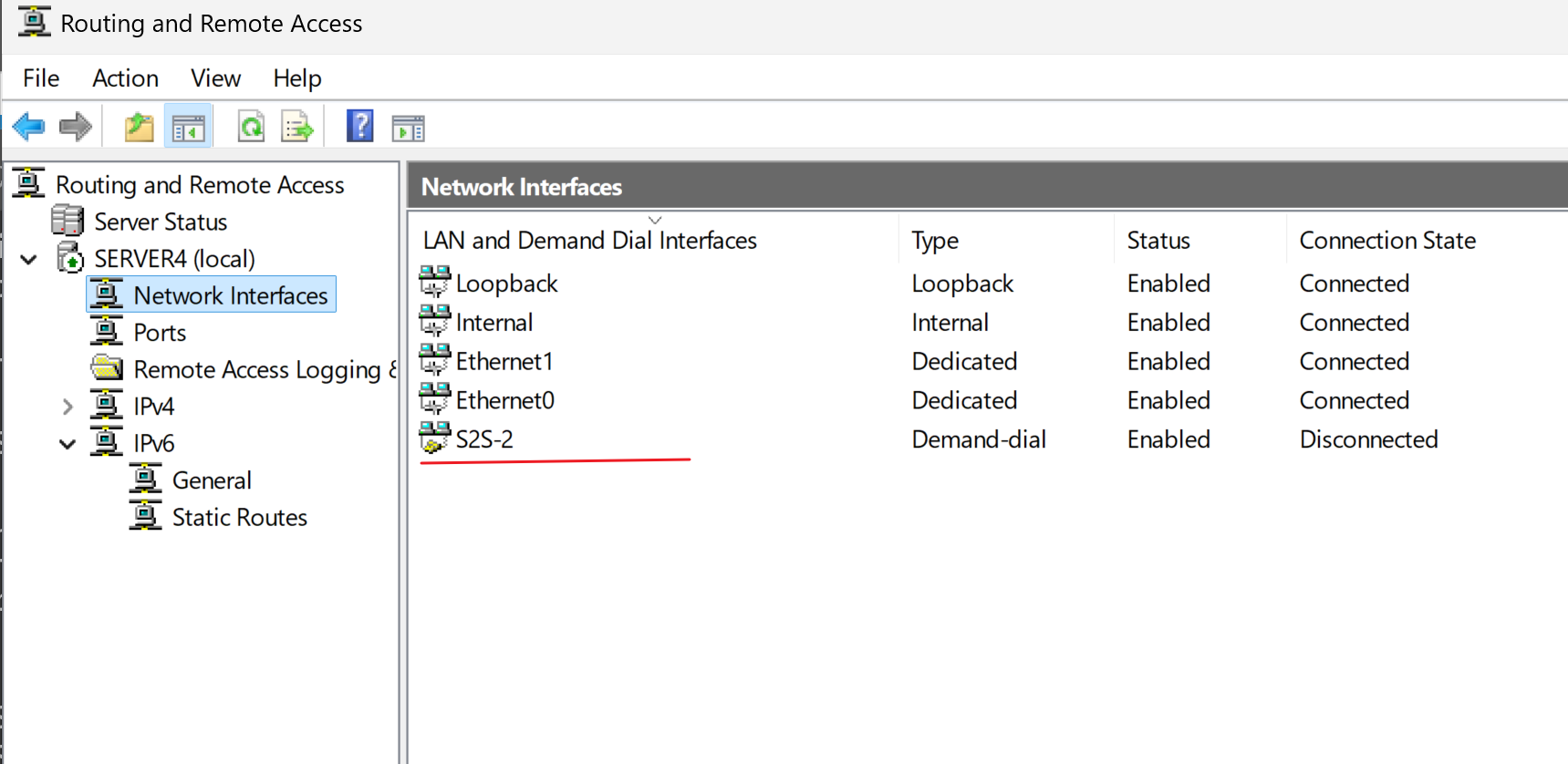
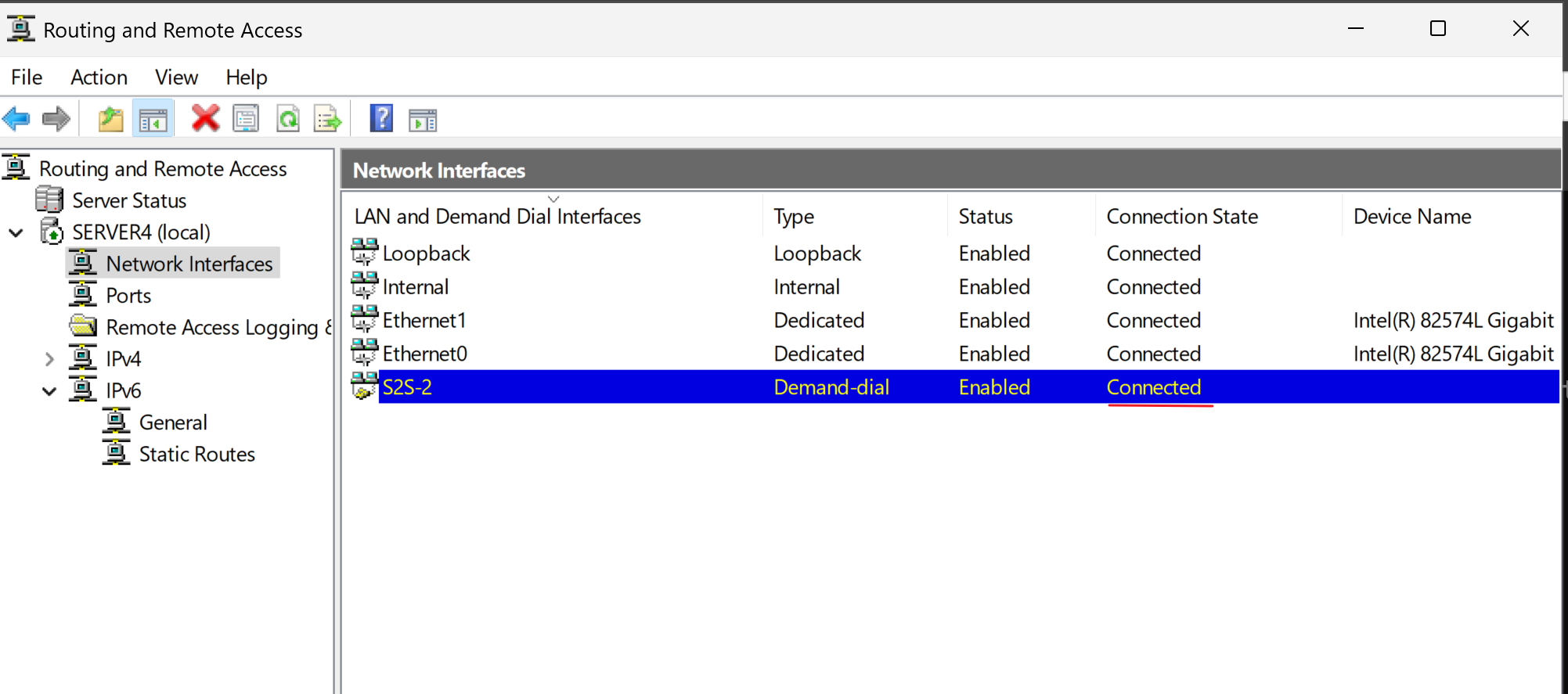
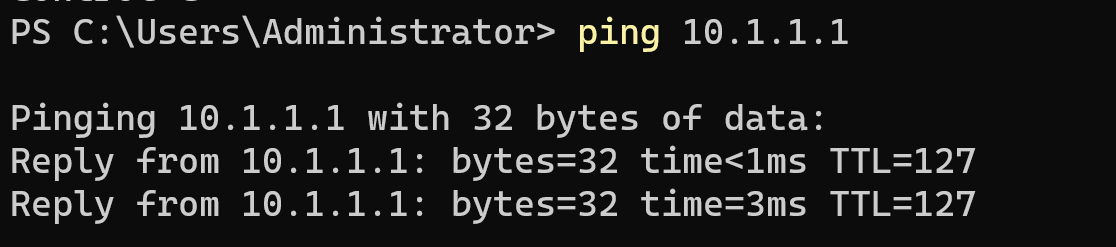
·点击连接:
# 或者命令连接:
connect-vpns2sinterface -name S2S-1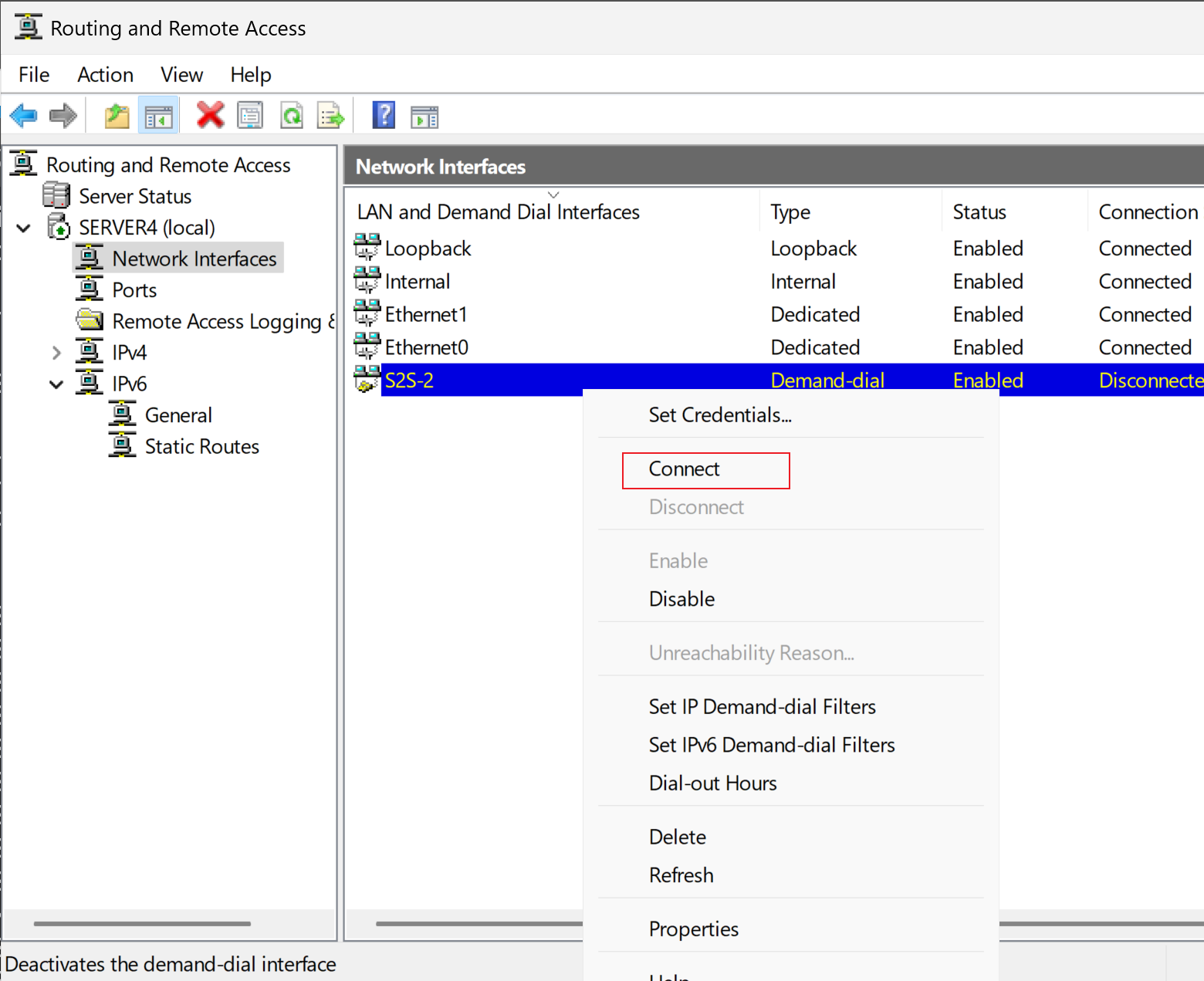
2、用命令行建立 证书 S2S 隧道:
# 先申请证书:
Get-Certificate -Template IKE -SubjectName "CN=S1.shanghai2026.cn" -DnsName "S1.shanghai2026.cn" -CertStoreLocation cert:\LocalMachine\My

Get-Certificate -Template IKE -SubjectName CN=S2.shanghai2026.cn -DnsName S2.shanghai2026.cn -CertStoreLocation cert:\LocalMachine\My
# 配置 RRAS(两端都配置):
## 启用:
install-remoteaccess -vpntype vpns2s    //(注意)配置了这个命令之后,图形化就访问不了rras了(控制不了)
start-service remoteaccess
set-service remoteaccess -starttype automatic

## 配置 接收IKEv2协议:
$LocalCert = Get-ChildItem Cert:\LocalMachine\My | Where-Object { $_.Subject -eq "CN=S1.shanghai2026.cn" -and $_.HasPrivateKey } | Select-Object -First 1

$RootCA = Get-ChildItem Cert:\LocalMachine\Root | Where-Object { $_.Subject -eq "CN=RootCA" } | Select-Object -First 1

Set-VpnAuthProtocol -UserAuthProtocolAccepted Certificate -TunnelAuthProtocolsAdvertised Certificates -CertificateAdvertised $LocalCert -RootCertificateNameToAccept $RootCA

restart-service remoteaccess
1)S1端:
# 创建s2s接口:
Add-VpnS2SInterface -name S2.shanghai2026.cn -Destination S2.shanghai2026.cn -Protocol IKEv2 -AuthenticationMethod MachineCertificates -ResponderAuthenticationMethod MachineCertificates -IPv4Subnet 30.1.1.0/24:1 -Persistent -AdminStatus $true
2)S2端:
# 创建s2s接口:
Add-VpnS2SInterface -name S1.shanghai2026.cn -Destination S1.shanghai2026.cn -Protocol IKEv2 -AuthenticationMethod MachineCertificates -ResponderAuthenticationMethod MachineCertificates -IPv4Subnet 30.1.1.0/24:1 -Persistent -AdminStatus $true
·测试:
# 或者命令连接:
connect-vpns2sinterface -name S1.shanghai2026.cn
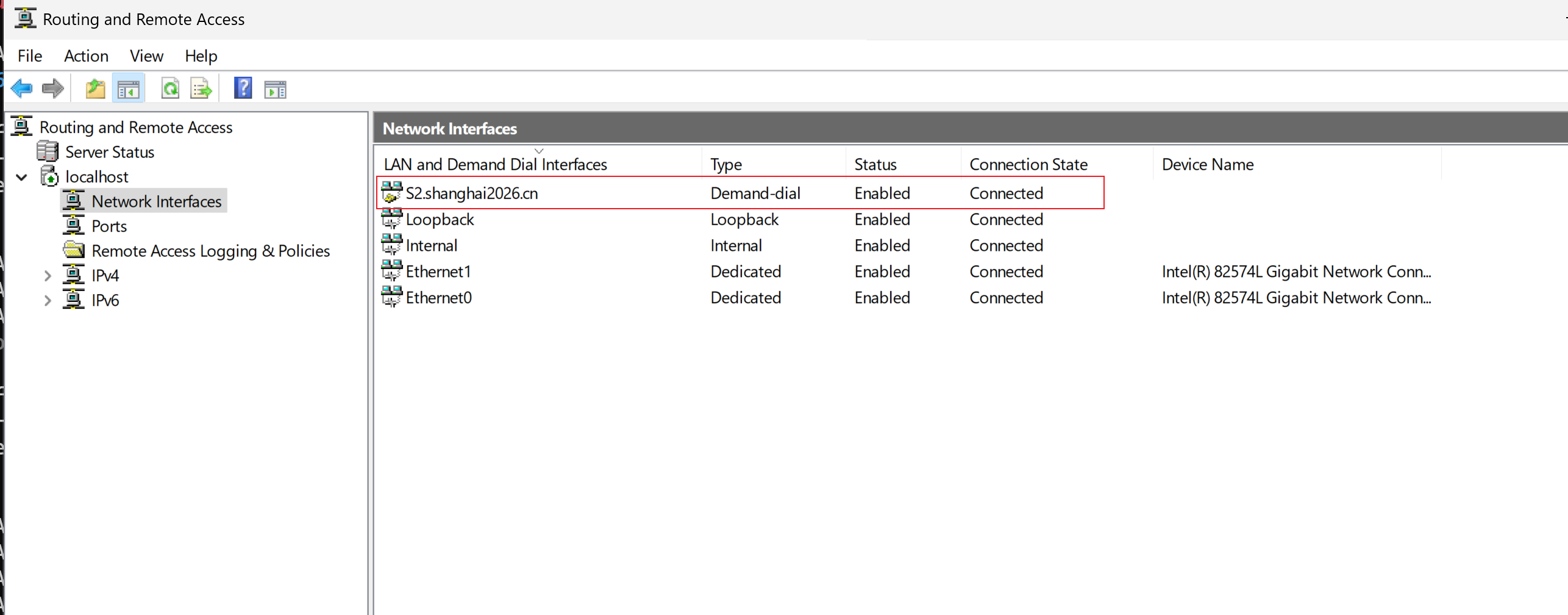
连接成功