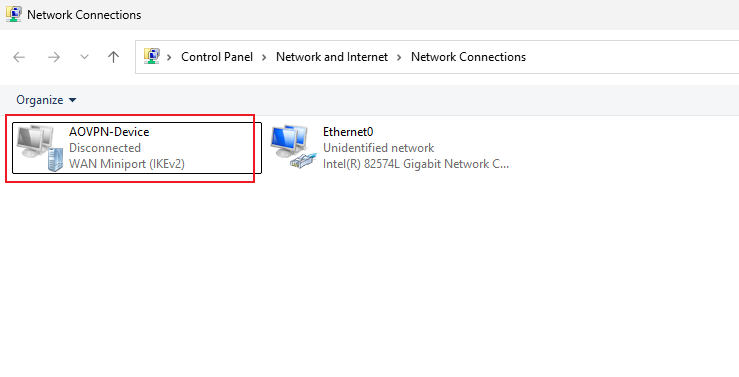
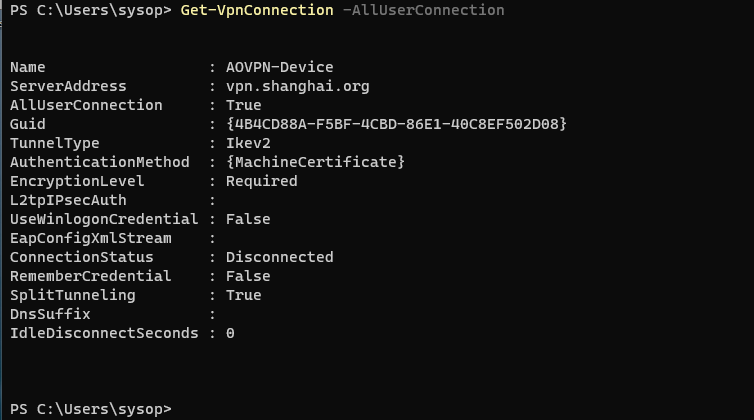
always on VPN(未成功).note
还没成功,接口和策略都能创建出来,手动连接都能连上,但是就是不会自动连接机器版本必须要是 企业版
1、配置 AOVPN:
·客户端必须先加入域:
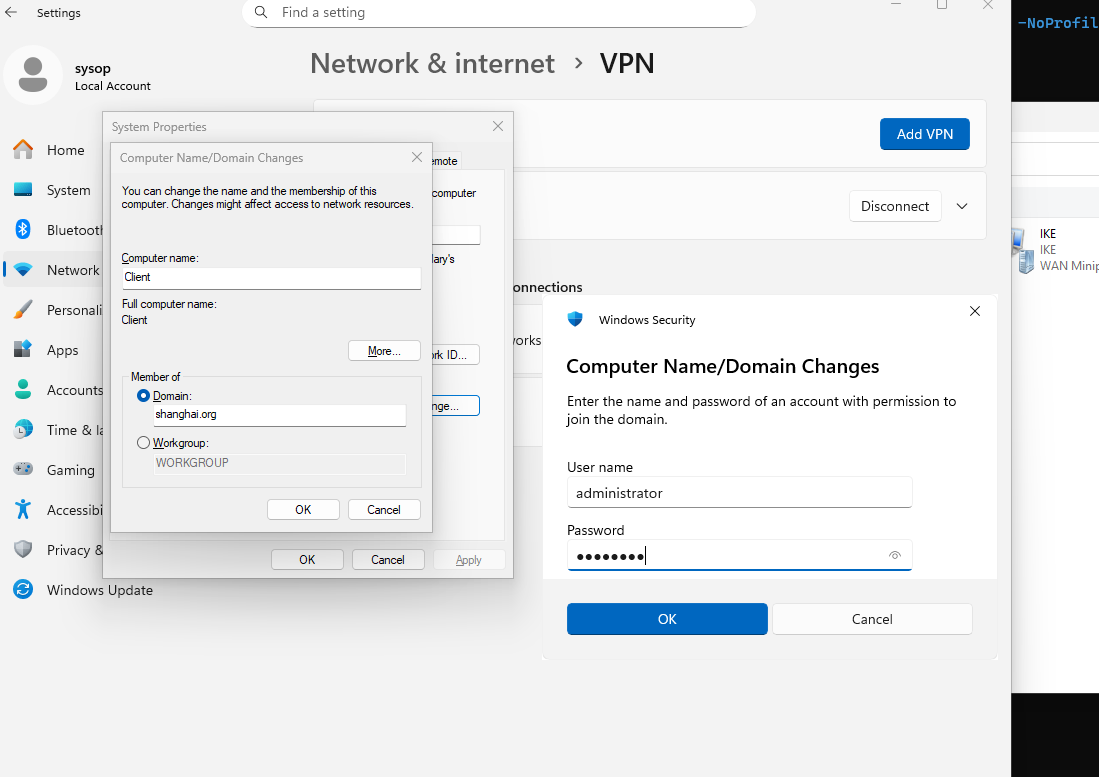
(1)配置 vpn profile;
c:\profile.xml<VPNProfile>
<NativeProfile>
<Servers>vpn.shanghai.org</Servers>
<NativeProtocolType>IKEv2</NativeProtocolType>
<Authentication>
<MachineMethod>Certificate</MachineMethod>
</Authentication>
<RoutingPolicyType>SplitTunnel</RoutingPolicyType>
<DisableClassBasedDefaultRoute>true</DisableClassBasedDefaultRoute>
</NativeProfile>
<Route>
<Address>192.168.1.1</Address>
<PrefixSize>32</PrefixSize>
</Route>
<AlwaysOn>true</AlwaysOn>
<DeviceTunnel>true</DeviceTunnel>
<RegisterDNS>true</RegisterDNS>
<TrustedNetworkDetection>shanghai.org</TrustedNetworkDetection>
</VPNProfile>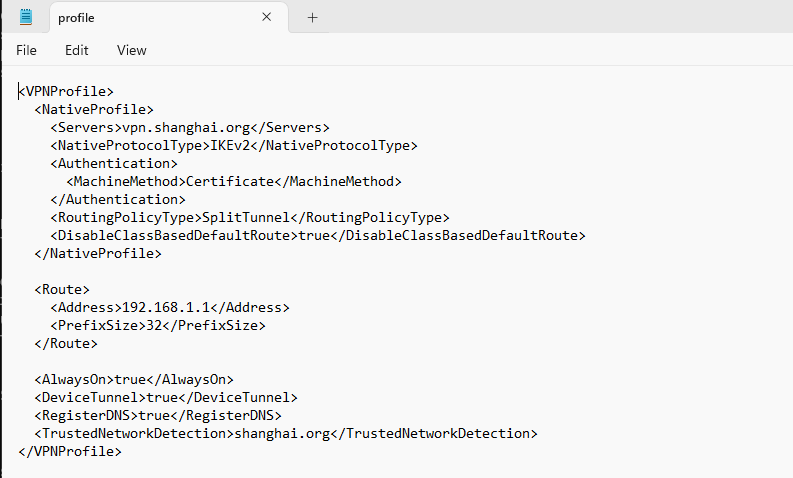
(2)配置 vpn 安装脚本:
c:\install.ps1$ErrorActionPreference = "Stop"
Start-Transcript -Path C:\aovpn-install.log -Force
Write-Host "Running as:"
[System.Security.Principal.WindowsIdentity]::GetCurrent().Name
$ProfileName = "AOVPN-Device"
$XmlFilePath = "C:\profile.xml"
Write-Host "Checking XML file..."
[xml]$CheckXml = Get-Content -Path $XmlFilePath -Raw
$ProfileXML = Get-Content -Path $XmlFilePath -Raw
$ProfileNameEscaped = $ProfileName -replace ' ', '%20'
$NamespaceName = "root\cimv2\mdm\dmmap"
$ClassName = "MDM_VPNv2_01"
$NodeCSPURI = "./Vendor/MSFT/VPNv2"
Write-Host "Removing old profile if exists..."
$ExistingProfile = Get-CimInstance -Namespace $NamespaceName -ClassName $ClassName -ErrorAction SilentlyContinue | Where-Object {
$_.InstanceID -eq $ProfileNameEscaped
}
if ($ExistingProfile) {
$ExistingProfile | Remove-CimInstance
}
Write-Host "Escaping XML..."
Add-Type -AssemblyName System.Security
$ProfileXML = [System.Security.SecurityElement]::Escape($ProfileXML)
Write-Host "Creating VPNv2 CSP instance..."
$Session = New-CimSession
$NewInstance = New-Object Microsoft.Management.Infrastructure.CimInstance $ClassName, $NamespaceName
$NewInstance.CimInstanceProperties.Add([Microsoft.Management.Infrastructure.CimProperty]::Create("ParentID", $NodeCSPURI, "String", "Key"))
$NewInstance.CimInstanceProperties.Add([Microsoft.Management.Infrastructure.CimProperty]::Create("InstanceID", $ProfileNameEscaped, "String", "Key"))
$NewInstance.CimInstanceProperties.Add([Microsoft.Management.Infrastructure.CimProperty]::Create("ProfileXML", $ProfileXML, "String", "Property"))
$Session.CreateInstance($NamespaceName, $NewInstance)
Write-Host "Created profiles:"
Get-CimInstance -Namespace $NamespaceName -ClassName $ClassName | Select-Object InstanceID,ParentID
Write-Host "VPN connections:"
Get-VpnConnection -AllUserConnection
Stop-Transcript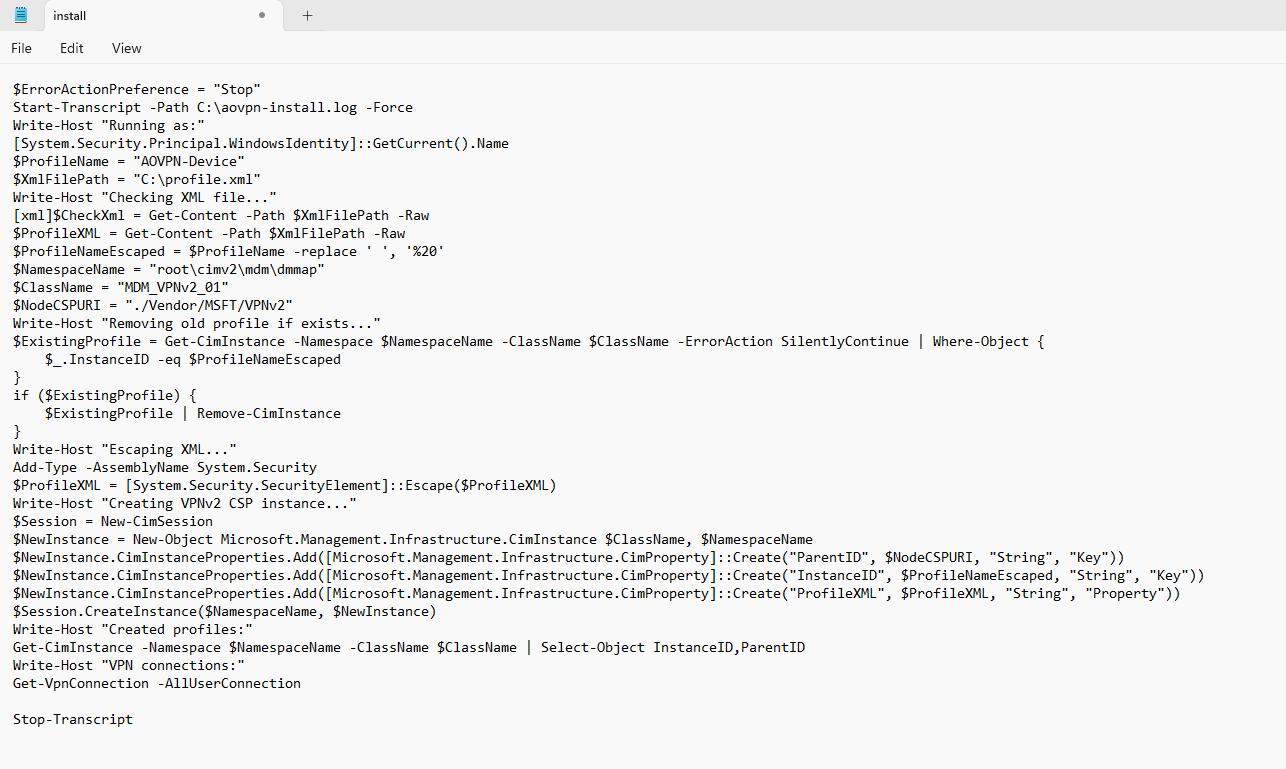
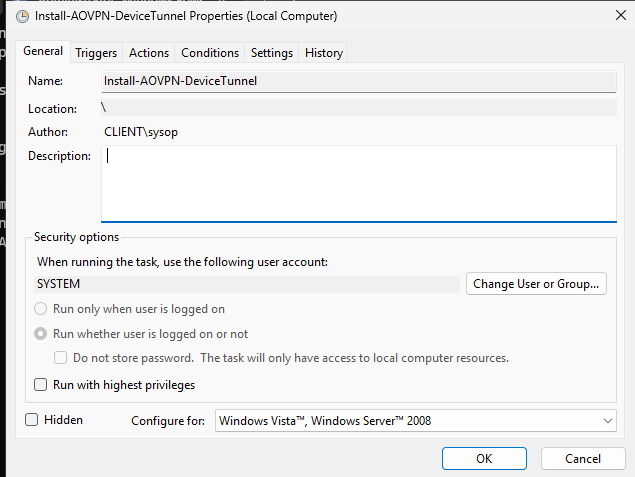
(3)使用计划任务,用 SYSTEM 身份运行该 ps1 脚本:
# Action:
powershell.exe -NoProfile -ExecutionPolicy Bypass -File C:\install.ps1
·查看:
成功后会创建出一个 VPN 连接器: