Ansible 连接.note
一、Ansible 主控端配置:
1、VScode 连接 Ansible:
(1)先安装 VScode
(2)将 vscode-server-linux 传输进 Linux:
需要 Linux 先安装ssh:apt install -y ssh
cmd:
scp Z:\vscode-server-linux-x64.tar.gz root@192.168.110.234
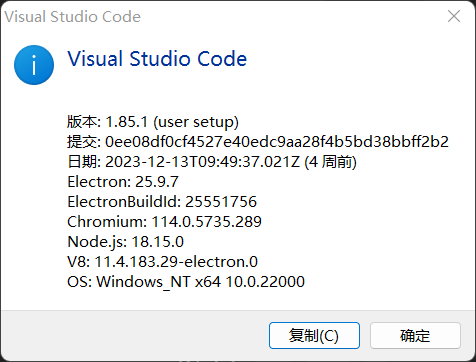
(3)查看 VScode 版本编号,并复制:
(4) 创建目录:

粘贴刚刚复制的“提交”码
(5)将 vscode linux 包解压缩:

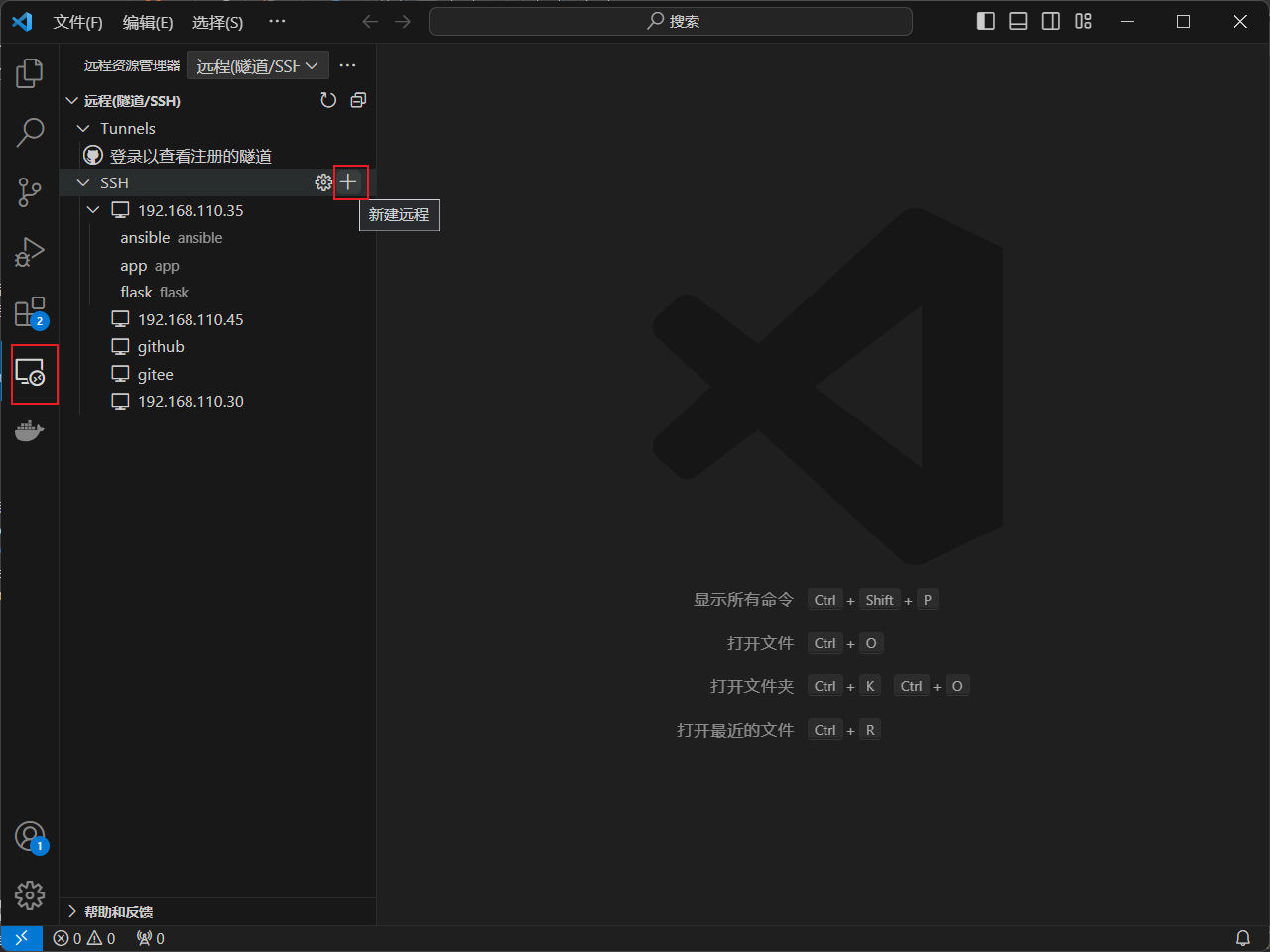
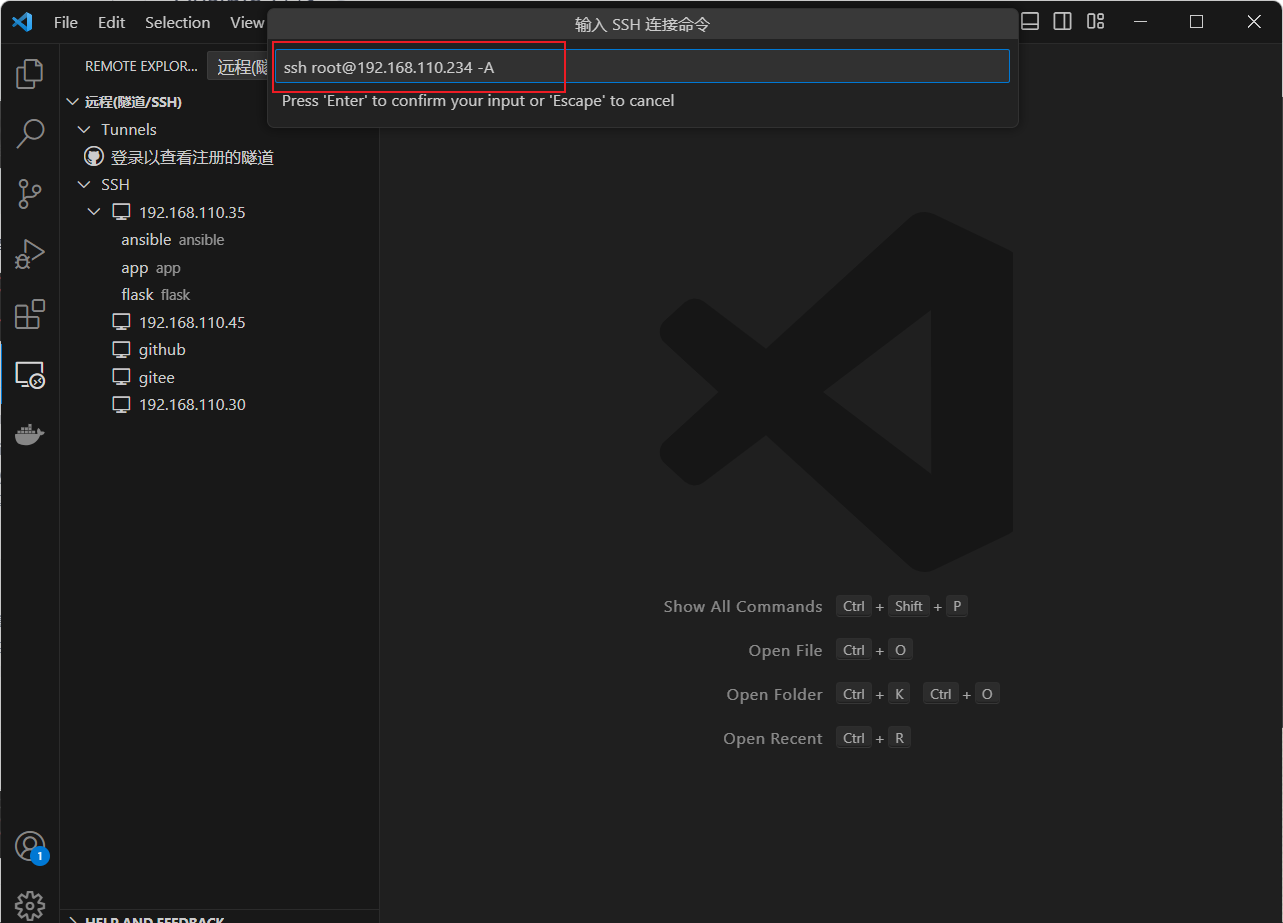
(6)打开 VScode,进行连接 Ansible:
2、Ansible 被控端安装软件包:
apt install -y ssh python33、配置 Ansible:
(1)安装软件包:
apt install -y ansible python3 python3-passlib sshpass(2)编辑配置文件:
mkidr -p /etc/ansible
cd /etc/ansible
ansible-config init > ansible.cfg.bak
# 使用 Ctrl + F 查找想要的字段即可,也可以手动翻(670多页)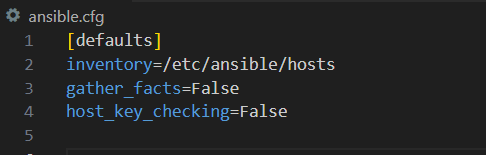
(3)编写 inventory 文件:
# 可以在 zeal文档中搜索: ansible: inventory (有配置参考)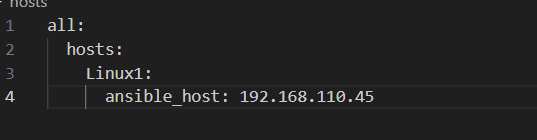
·检查 inventory 配置是否生效:
ansible all --list-hosts
(4)编辑提权配置文件:
mkdir /etc/ansible/group_vars
vim /etc/ansible/group_vars/all.yml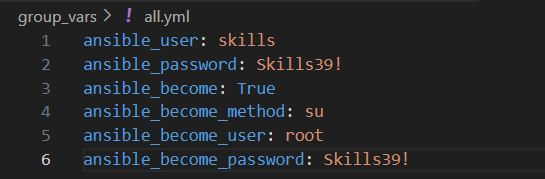
(5)ping 测试:
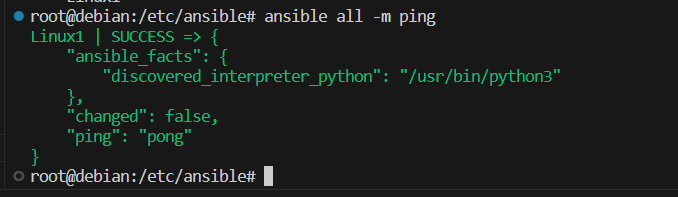
ansible all -m ping