apache LAMP 架构.note
L:Linux
A:Apache2
M:mysql
P:PHP
在静态页面需要呈现动态的数据,就需要使用后端的语言,使用动态的语言去提供(php、Python)
- 安装软件包
1.
apt install mariadb-server mariadb-client -y
apt install php php-gd php-mbstring php-mysql php-mysqli php-mysqlnd php-pear php-opcache php-zip php-bz2 libapache2-mod-php
ss -ntupl | grep mariadb

cd /etc/mysql
cd /etc/apachd2/mods-enabled    //默认加载了 php
cd /Elysia/www.Elysia.com

vim test.php
# 输入:
<?php
        phpinfo();
 ?>
:x

systemctl restart apache2
apt install wordpress -y
ls /etc/wordpress
ls /etc/default
dpkg -L wordpress
方式一:将网站根目录设置到 /usr/share/wordpress 下
方式二:将 /usr/share/wordpress 复制到 自己的网站根目录这里使用 方式二:
cp ......

cd /Elysia/www.Elysia.com
rm wp-config.php
然后在浏览器访问

· 配置 mysql:
mariadb
create database cnskills;
grant all privileges on cnskills.* to 'webadmin'@'localhost' identified by 'Skills39';

flush privileges;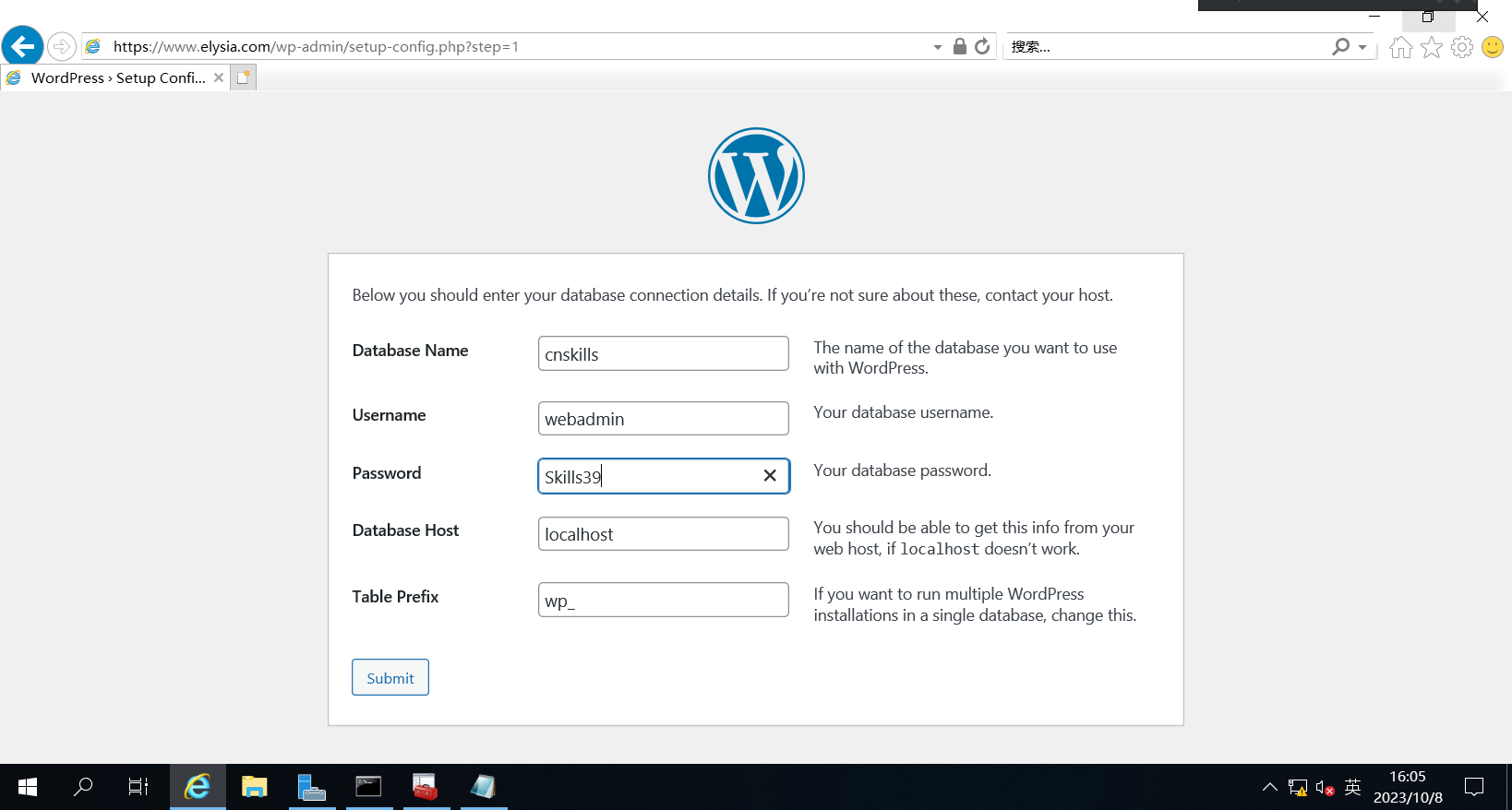
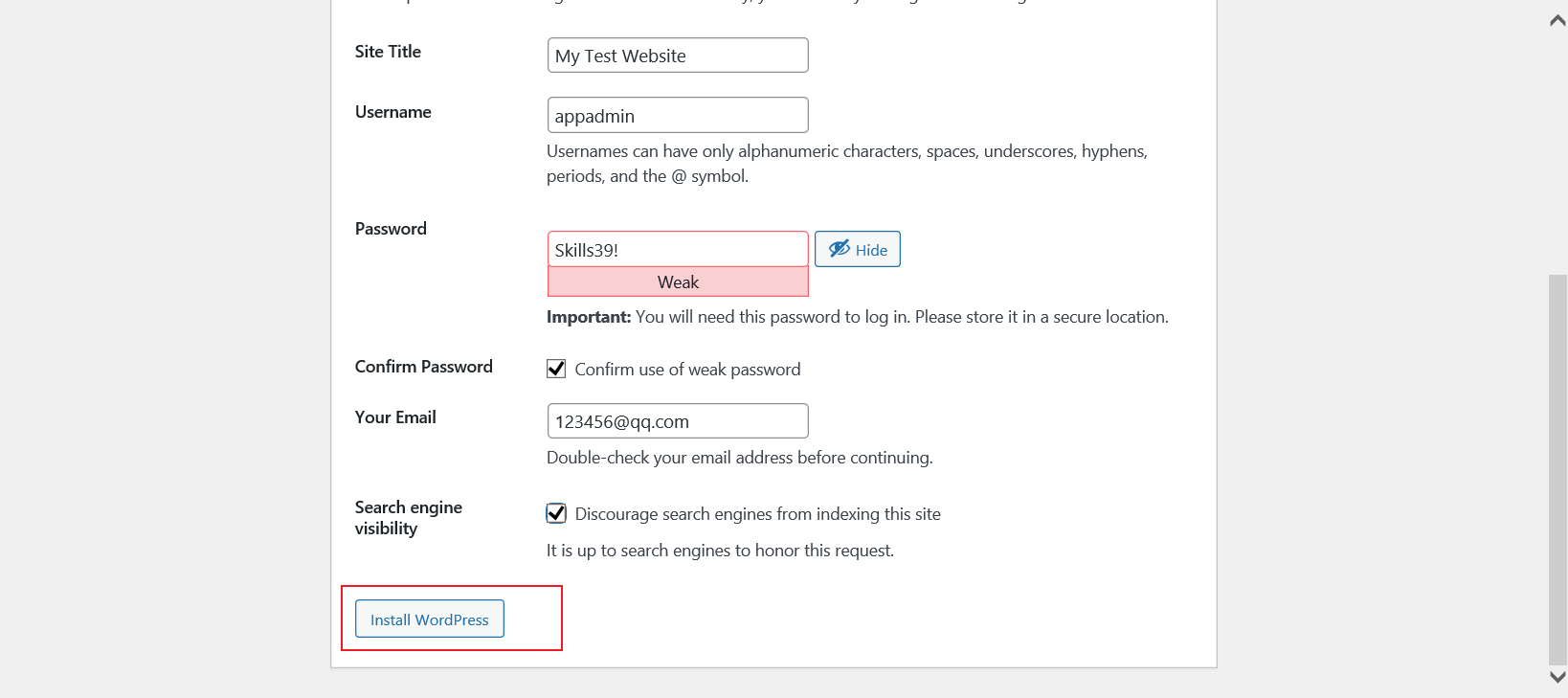
点击 log in