NTP.note
一、配置 NTP:
1、INET:
apt install -y chrony
vim /etc/chrony/chrony.conf
# 注释掉官方地址
# 在末尾添加
allow 213.110.3.10    //仅允许 MANAGE.GZ2024.GD 来同步时间
server 127.127.1.0
local stratum 1
:x
systemctl restart chrony
2、MANAGE.GZ2024.GD:
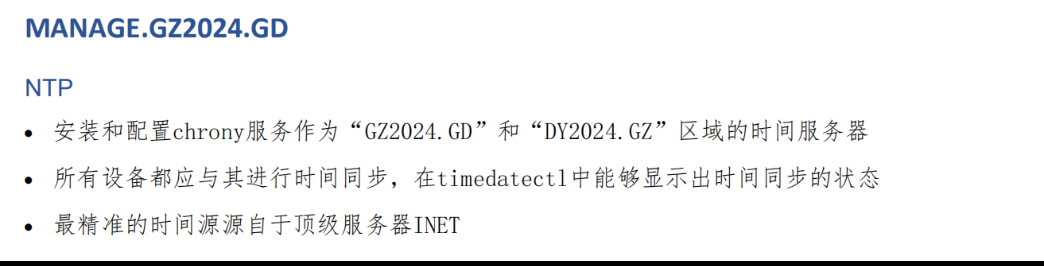
apt install -y chrony
vim /etc/chrony/chrony.conf
# 注释官方地址
allow all
server 213.110.3.129
local stratum 1
:x
systemctl restart chrony
二、NTP客户端:
apt install -y chrony
vim /etc/chrony/chrony.conf
# 注释掉官方地址,输入:
server 213.110.3.10
:x
systemctl restart chrony
三、客户端需要使用 timedatectl 查看时间同步状态:
apt install -y systemd-timesyncd
vim /etc/systemd/timesyncd.conf
# 在结尾输入 NTP 服务器的地址: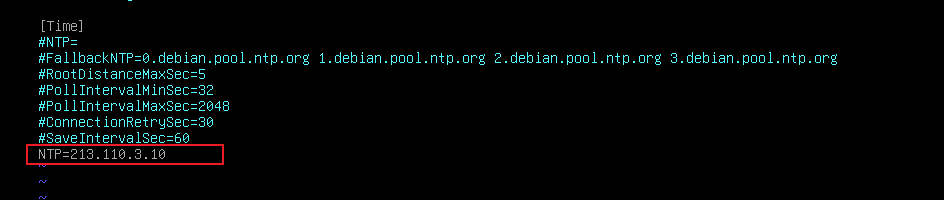
systemctl restart