作业1.note
一、巩固练习
1、hosts 主机清单:
all:
  hosts:
    LIN1:
      ansible_host: 192.168.100.11
      hostname: "server01"
      # ansible_user: elysia
    LIN2:
      ansible_host: 192.168.100.12
      hostname: "server02"
    LIN3:
      ansible_host: 192.168.100.13
      hostname: "server03"
children:
  children:
    web:
      hosts:
        LIN1:
        LIN2:
    vpn:
      hosts:
        LIN2:
        LIN3:
    email:
      hosts:
        LIN1:
        LIN3:
2、创建 apache 所需要的 密钥:
---

- name: Make a Web into Server01 and Server

  hosts: LIN1    # 先使用 Lin1 进行测试

  gather_facts: False


  tasks:

    - name: Install Openssl and Apache2 and

      apt:

        name:

          - openssl

          - apache2

          - python3-cryptography

        state: present

        update_cache: false


    - name: Gen the private Key     # 生成私钥

      community.crypto.openssl_privatekey:

        path: /etc/ssl/private/Elysia.key

        cipher: auto

        passphrase: Skills39!

        size: 2048

        backup: True


    - name: Gen the csr request    # 生成证书申请

      community.crypto.openssl_csr:

        path: /etc/ssl/{{ hostname }}.itnsa.cn.csr

        privatekey_path: /etc/ssl/private/Elysia.key

        privatekey_passphrase: Skills39!

        common_name: "{{ hostname }}.itnsa.cn"


    # - name: Make a CA Server


    - name: Signature the request    # 使用 私钥 签发证书

      community.crypto.openssl_signature:

        privatekey_path: /etc/ssl/private/Elysia.key

        path: /etc/ssl/{{ hostname }}.itnsa.cn.csr

        privatekey_passphrase: Skills39!


    - name: enable the ssl mode

      community.general.apache2_module:

        name: ssl
·运行:
ansible-playbook 01-web-config.yml 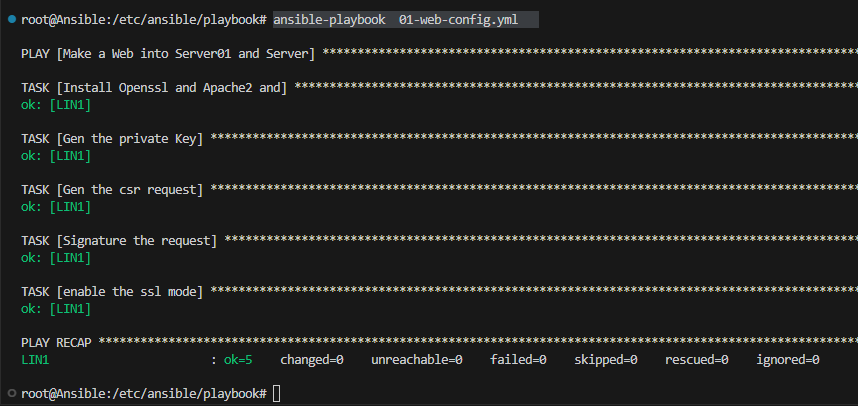
3、配置 apache2:
先在 ansible 主控端创建一个 apache2 conf 文件
<VirtualHost *:80>
    ServerName hostname.itnsa.cn
    DocumentRoot /var/www/html
    Redirect 301 / https://hostname.itnsa.cn
</VirtualHost>

<VirtualHost *:443>
    ServerName hostname.itnsa.cn
    DocumentRoot /var/www/html
    SSLEngine on
    SSLCertificateFile /etc/ssl/hostname.itnsa.cn.pem
    SSLCertificatekeyFile /etc/ssl/private/Elysia.key
</VirtualHost>
编写 剧本:
---
- name: Make a Key
  hosts: web
  gather_facts: False

  tasks:
    - name: Install Openssl and Apache2 and
      apt:
        name:
          - openssl
          - apache2
          - python3-cryptography
        state: present
        update_cache: false

    # - name: Gen the private Key
    #   community.crypto.openssl_privatekey:
    #     path: /etc/ssl/private/Elysia.key
    #     cipher: auto
    #     passphrase: Skills39!
    #     size: 2048
    #     backup: True


    # - name: Gen the csr request
    #   community.crypto.openssl_csr:
    #     path: /etc/ssl/{{ hostname }}.itnsa.cn.pem
    #     privatekey_path: /etc/ssl/private/Elysia.key
    #     privatekey_passphrase: Skills39!
    #     common_name: "{{ hostname }}.itnsa.cn"

    - name:  Make the Cer pem and key
      raw: openssl req -new -x509 -nodes -out /etc/ssl/{{ hostname }}.itnsa.cn.pem -keyout /etc/ssl/private/Elysia.key -subj "/CN={{ hostname }}.itnsa.cn"

    - name: write /etc/hsots
      raw: echo {{ ansible_host }} {{ hostname }}.itnsa.cn >> /etc/hosts


    # - name: Signature the request
    #   community.crypto.openssl_signature:
    #     privatekey_path: /etc/ssl/private/Elysia.key
    #     path: /etc/ssl/{{ hostname }}.itnsa.cn.pem
    #     privatekey_passphrase: Skills39!

    # - name: Gen the private pub
    #   community.crypto.openssl_publickey:
    #     path: /etc/ssl/{{ hostname }}.itnsa.cn.pem
    #     privatekey_path: /etc/ssl/private/Elysia.key
    #     privatekey_passphrase: Skills39!


    - name: enable the ssl mode
      community.general.apache2_module:
        name: ssl


# ______________________________  分割线  _________________________________


    - name: write the apache2
      ansible.builtin.copy:
        src: 001-hostname.itnsa.cn.conf
        dest: "/etc/apache2/sites-available/001-{{ hostname }}.itnsa.cn.conf"
        mode: '0777'


    - name: set the site.conf
      ansible.builtin.replace:
        path: "/etc/apache2/sites-available/001-{{ hostname }}.itnsa.cn.conf"
        regexp: 'hostname'
        replace: '{{ hostname }}'

    - name: enable site file
      raw: /usr/sbin/a2ensite 001-"{{ hostname }}".itnsa.cn.conf

    - name: disable default site file
      raw: /usr/sbin/a2dissite 000-default.conf

    - name: write the html
      raw: echo "Hello, {{ hostname }}.itnsa.cn" > /var/www/html/index.html

    - name: restart the apache2
      ansible.builtin.systemd:
        name: apache2
        state: restarted
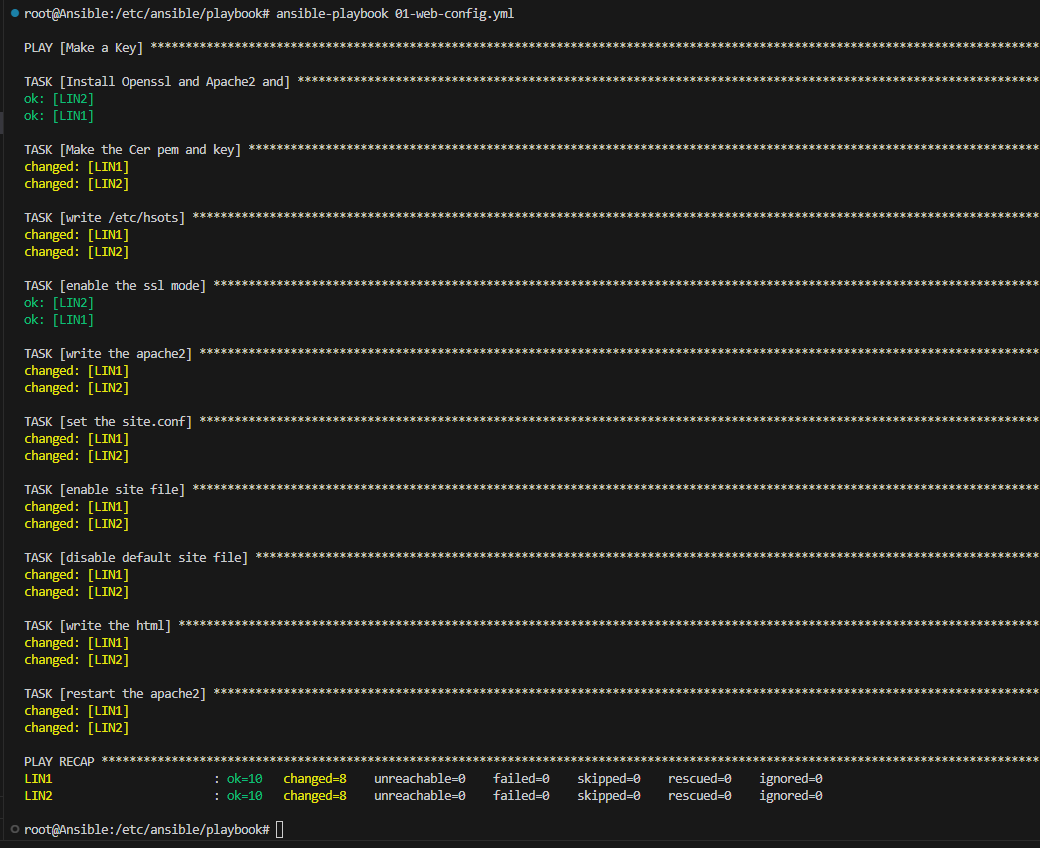
运行:
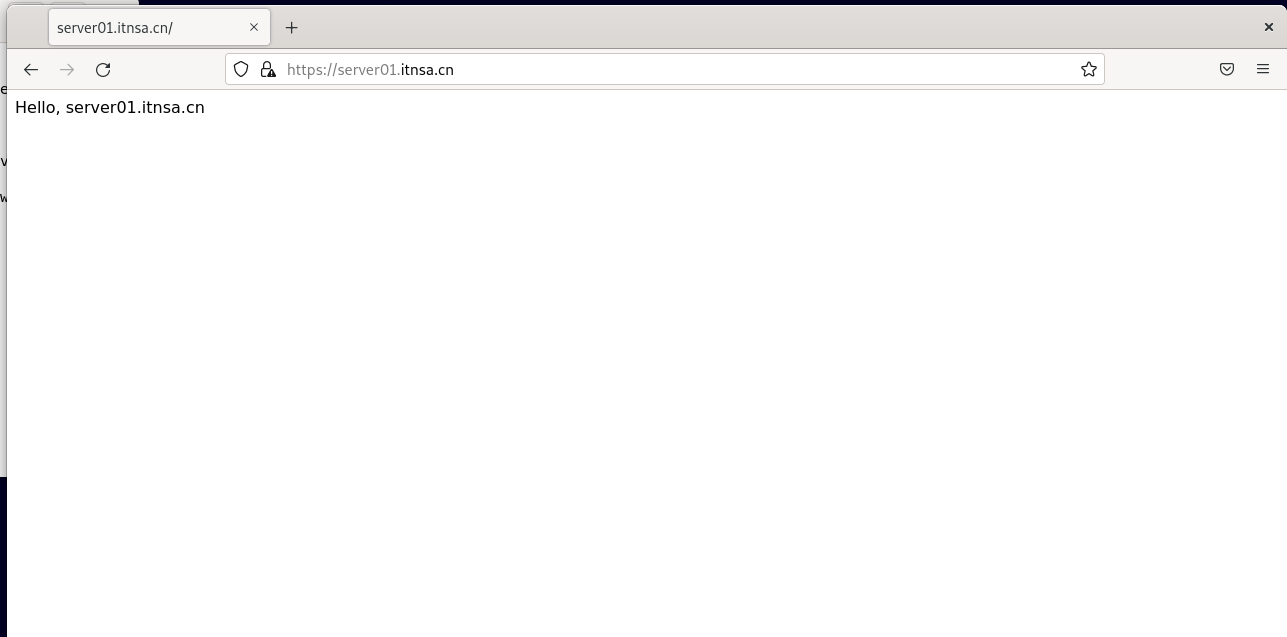
4、在客户端进行访问测试:
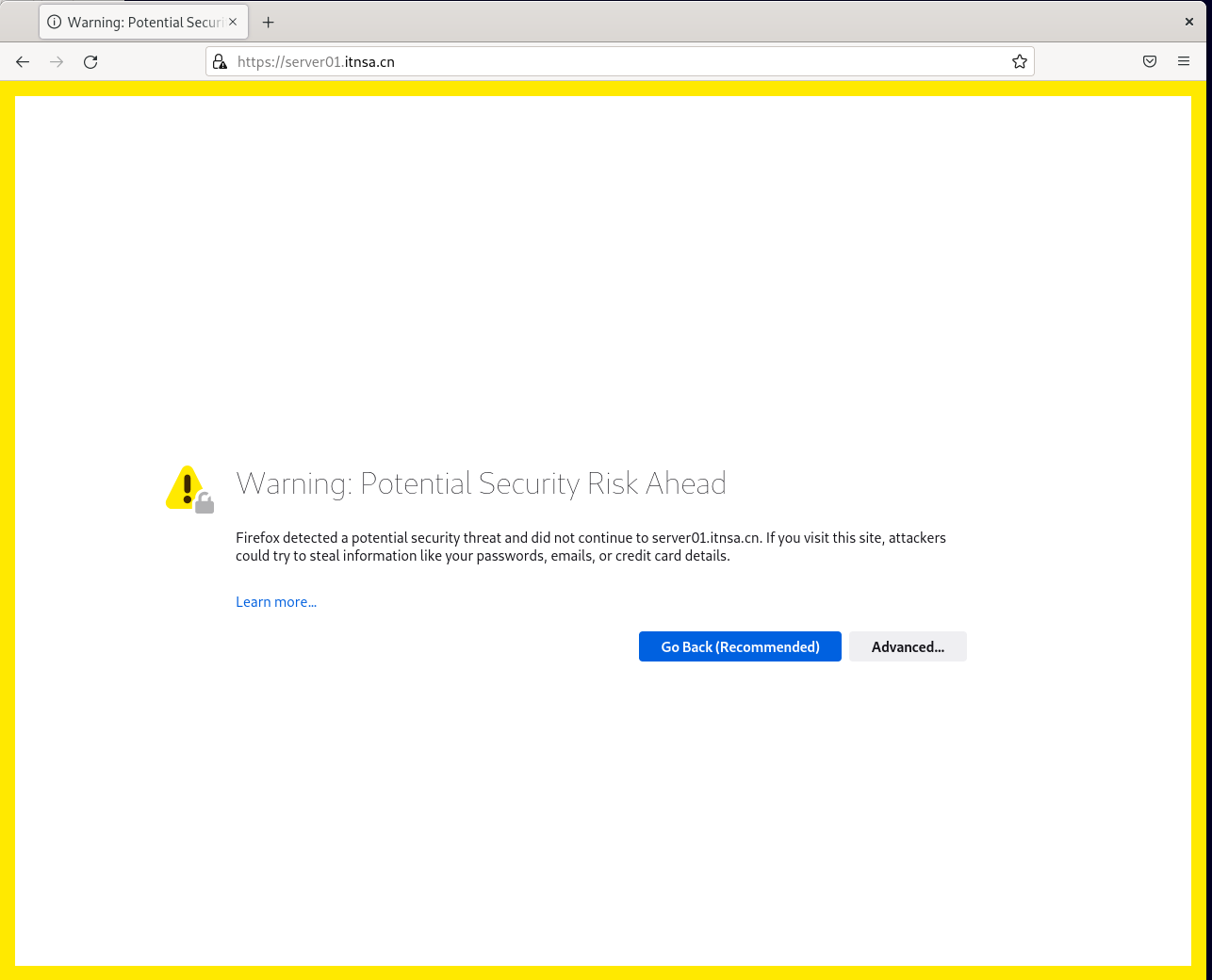
(1)server01:
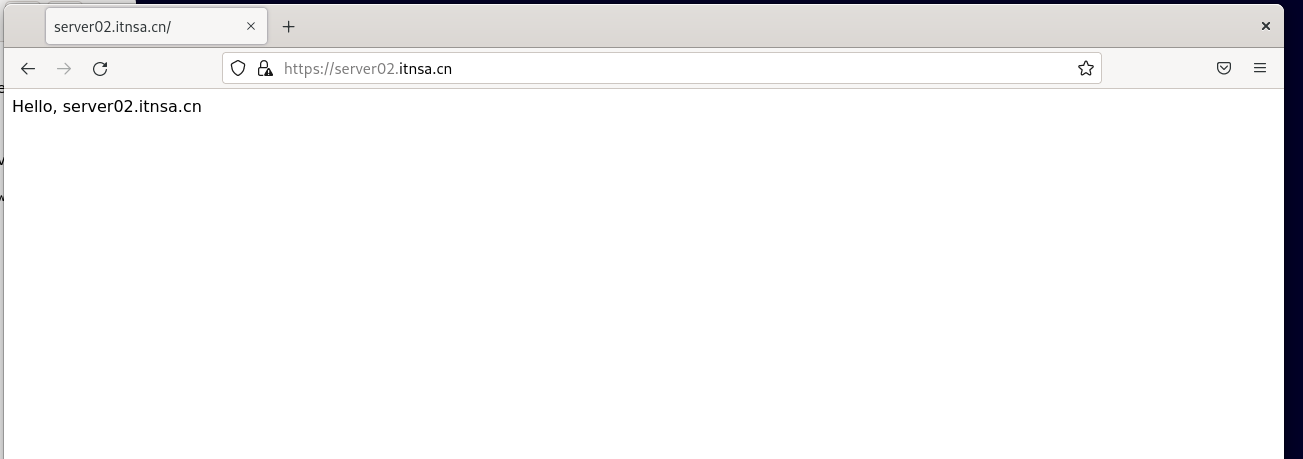
(2)server02: