Powershell管理证书,申请、导入.note
powershell 中的 ls 等同于 Get-ChildItem(ls等同于是它的别名)- 列出证书文件夹(获取已颁发的证书):
1.
ls Cert:\LocalMachine\My\
ls Cert:\CurrenUser\
ls Cert:\LocalMachine\REQUEST\ | Get-Certificate    //获取已颁发证书
[允许使用Tab键]

Cert == 证书前缀
LocalMachine == 本地计算机
CurrenUser == 当前用户
My == 个人
REQUEST == 证书注册申请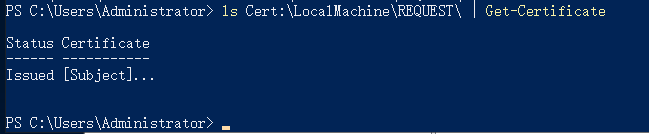
获取成功
- 通过凭证进行获取:
1.
 提供一个凭证,以进行连接CA
 ls Cert:\LocalMachine\REQUEST\ | Get-Certificate -Credential $(Get-Credential)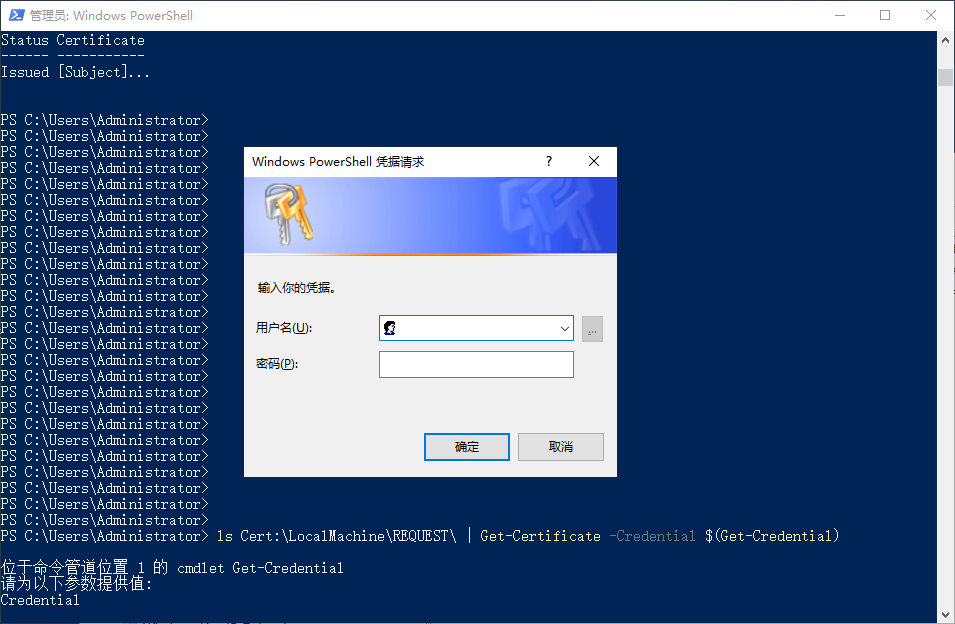
- 列出目录(列出c盘):
1.
ls c:\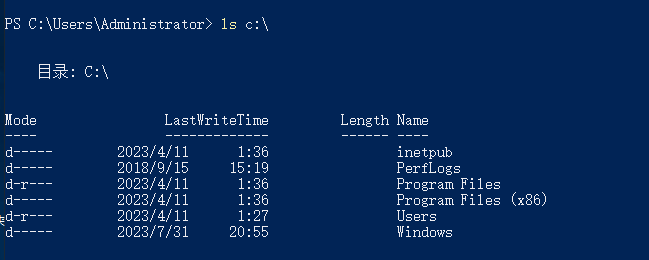
- 列出当前用户家目录:
1.
ls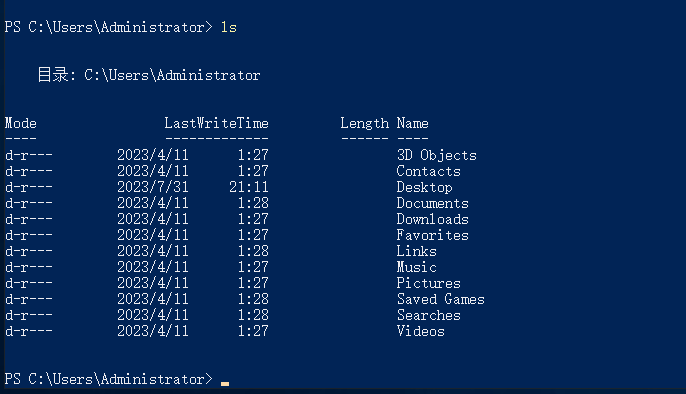
一、导入证书:
1、导入 .cer 证书:
Import-Certificate -FilePath "C:\path\to\your\certificate.cer" -CertStoreLocation "Cert:\LocalMachine\My"

或:
Import-Certificate -FilePath "C:\path\to\your\certificate.cer" -CertStoreLocation "Cert:\CurrentUser\My"
2、导入 .pfx 证书:
cmd:
certutil -importpfx c:\share\ca.pfx
# 然后会提示需要输入证书的密码
powershell:
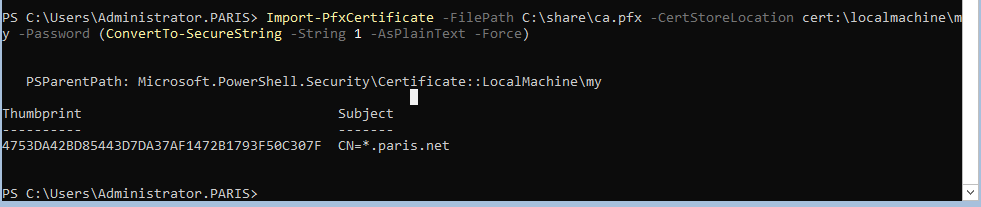
Import-PfxCertificate -FilePath C:\share\ca.pfx -CertStoreLocation cert:\localmachine\my -Password (ConvertTo-SecureString -String 1 -AsPlainText -Force)