课堂笔记-9.28.note
apt install apache2 apache2-doc· apache2 默认安装好之后就能够访问
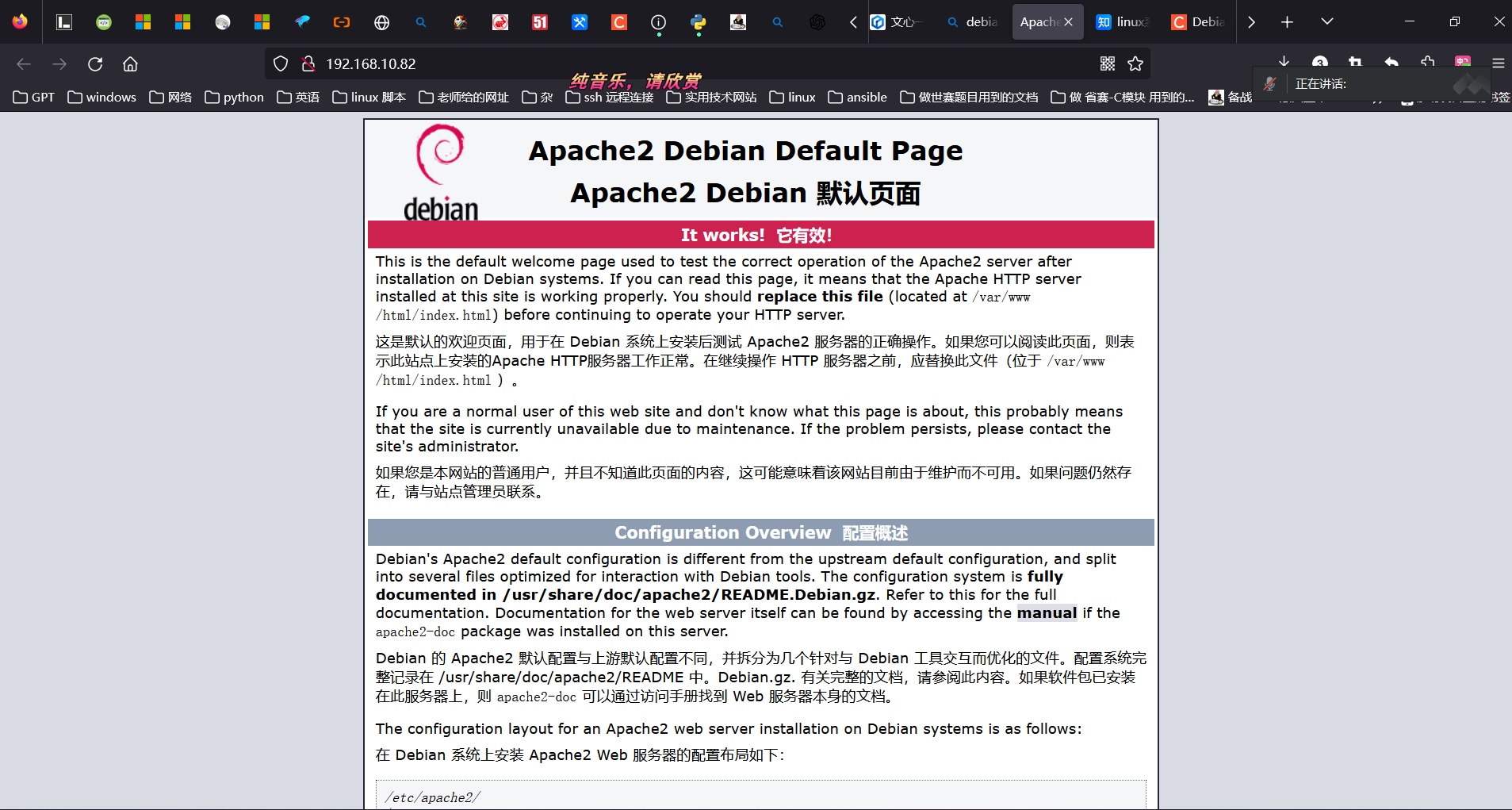
本地有一个 hosts 文件,优先于 DNS 生效
· 可以使用 curl 、elinks、lynx访问:
curl http://www.cnskills.com
curl -I http://www.cnskills.com    //不显示内容,只显示访问结果
· 启用配置文件:
a2enconf /etc/apache2/conf-available/apache2-doc
systemctl reload apache2- Https 的连接:
1.
apache 的配置文件都在/etc/apache2 下面
apache2.conf 是主配置文件
conf-available 是可用配置文件

mods-available 是可用的模块
mods-enable 是启用的模块
· 虚拟主机的概念:
在 apache2 上 ,一个服务器能够运行多个网站
多个网站是独立的
类似 Windows IIS 的站点
这样的概念就叫做虚拟主机
ls sites-available
cd sites-available
apache2 加载 配置文件的顺序,是按照配置文件名称前面的 000、001等为顺序来加载
启用 默认 的 SSL(https):
开启 ssl模块:
a2enmod ssl
启用 ssl 配置文件
a2ensite default-ssl.conf
systemctl reload apache2
实现 https 的三种方式:
1、使用 apache2 软件字段 的 key 和 crt(证书)
2、使用 自签名 crt
3、使用权威的CA机构颁发的 crt(实验中一般模拟CA机构)- 创建自签名证书:
1.
openssl req -new -x509 -nodes -out self.crt -keyout self.key
CN
GuangDong
GuangZhou
cnskills
best
www.cnskillc.com    //证书的域名

· 解释:
-nodes     //是否需要使用密码登陆
日志一般放在 /var/log/apache2 下
- 防止 EDGE 浏览器报错,为证书添加上DNS 字段:
1.
openssl req -new -x509 -nodes -out web.pem -keyout web.key -subj "/CN=www.delix.com" -addext "subjectAltName=DNS:www.delix.com"· CA Server:
apt install
apt install openssl

/usr/lib/ssl/misc/CA.pl -newca
Skills39
Skills39
CN
GuangDong
GuangZhou
test
tech
CA_Name
# 回车
# 回车
Skills39
cacert.pem    //ca证书
· Web Server:
openssl genrsa -out server.key 2048

openssl req -new -key server.key -out server.csr
- 生成一个证书申请
1.

将证书传给 ca 服务器
ca服务器证书签名:
/usr/lib/ssl/misc/CA.pl -sign
Skills39
y    //是否签发
y
将签名好的证书传回给 Web 服务器
ls ~/demoCA/cacert.pem    //ca服务器的根证书
scp cacert.pem root@192.168.10.99:/root    //将 ca的根证书 传给 web 服务器
· 信任ca证书:
curl https://www.cnskills.com    //测试访问
curl -k https://www.cnskills.com    // -k 忽略警告