apache2 基础搭建
安装 apache2 :
apt install apache2apache2 默认配置文件:
vim /etc/apache2/sites-available/000-default.conf# 输入:<VirtualHost *:80>
ServerAdmin webmaster@localhost
DocumentRoot /var/www/html //网站根目录路径(网站内容资源)
ErrorLog ${APACHE_LOG_DIR}/error.log
CustomLog ${APACHE_LOG_DIR}/access.log combined
</VirtualHost>
默认 Html 文档:
vim /var/www/html/index.html进行访问:
我们可以在这个基础上进行修改:
· 编辑配置文件:
配置文件路径填写不正确也会报错
cp -a /etc/apache2/sites-available/000-default.conf /etc/apache2/sites-available/www.linux.com.conf //复制配置文件;-a 表示同时复制其权限等元数据;
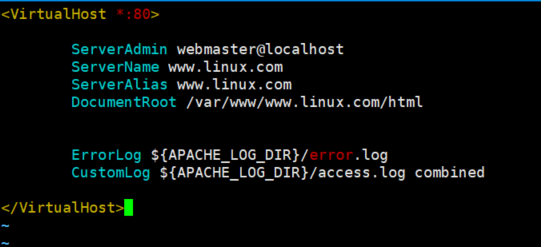
配置文件名称任意,以 .conf 结尾vim /etc/apache2/sites-available/www.linux.com.conf# 输入以下:<VirtualHost *:80>
ServerAdmin webmaster@localhost
ServerName www.linux.com
ServerAlias www.linux.com
# DocumentRoot /var/www/www.linux.com/html //指定文件 DocumentRoot /var/www/www.linu.com //指定 根目录,需要开启目录浏览(与Windows IIS 同概念的目录浏览)
ErrorLog ${APACHE_LOG_DIR}/error.log
CustomLog ${APACHE_LOG_DIR}/access.log combined
</VirtualHost>
· 创建 自定义的 文件 和 目录:
创建目录:mkdir /var/www/www.linux.com/
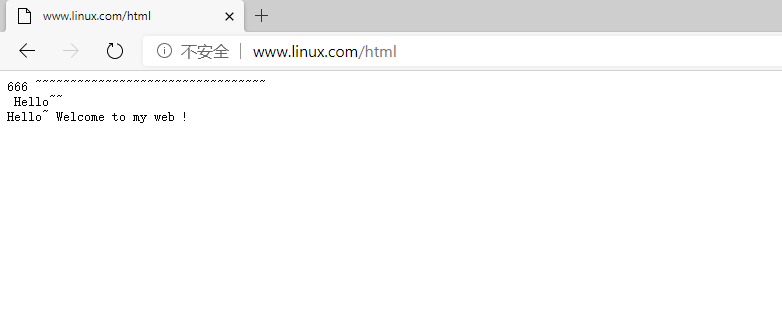
创建文件:echo Hello~ Welcome to my web ! >> /var/www/www.linux.com/html
给予目录访问权限:
chown -R $USER:$USER /var/www/www.linux.com chmod -R 755 /var/www/www.linux.com
· 启用创建的配置文件:
a2ensite 001.www.linux.com.conf· 禁用默认配置文件:
a2dissite 000-default.conf如果指定了非根目录作为网站根目录,则需要修改 apache2.conf:
vim /etc/apache2/apache2.conf<Directory /home/yourdir>Options Indexes FollowSymLinks
AllowOverride None
Require all granted
</Directory># Indexes:允许在浏览器中列出目录中的文件列表,如果没有默认文件时会显示目录内容。(开启目录浏览)Require all granted:指定对该目录的访问权限规则。在这个例子中,通过 Require all granted 允许所有用户(不论身份认证)访问该目录。
· 测试 错误配置:
apache2ctl configtest输出:OutputAH00558: apache2: Could not reliably determine the server's fully qualified domain name, using 127.0.1.1. Set the 'ServerName' directive globally to suppress this messageSyntax OK

· 重新启动 apache服务:
systemctl restart apache2· 在其它电脑上输入网址以进行访问:
http://www.linux.com:80或www.linux.com // http 和 :80 网站会默认帮你添加
访问成功
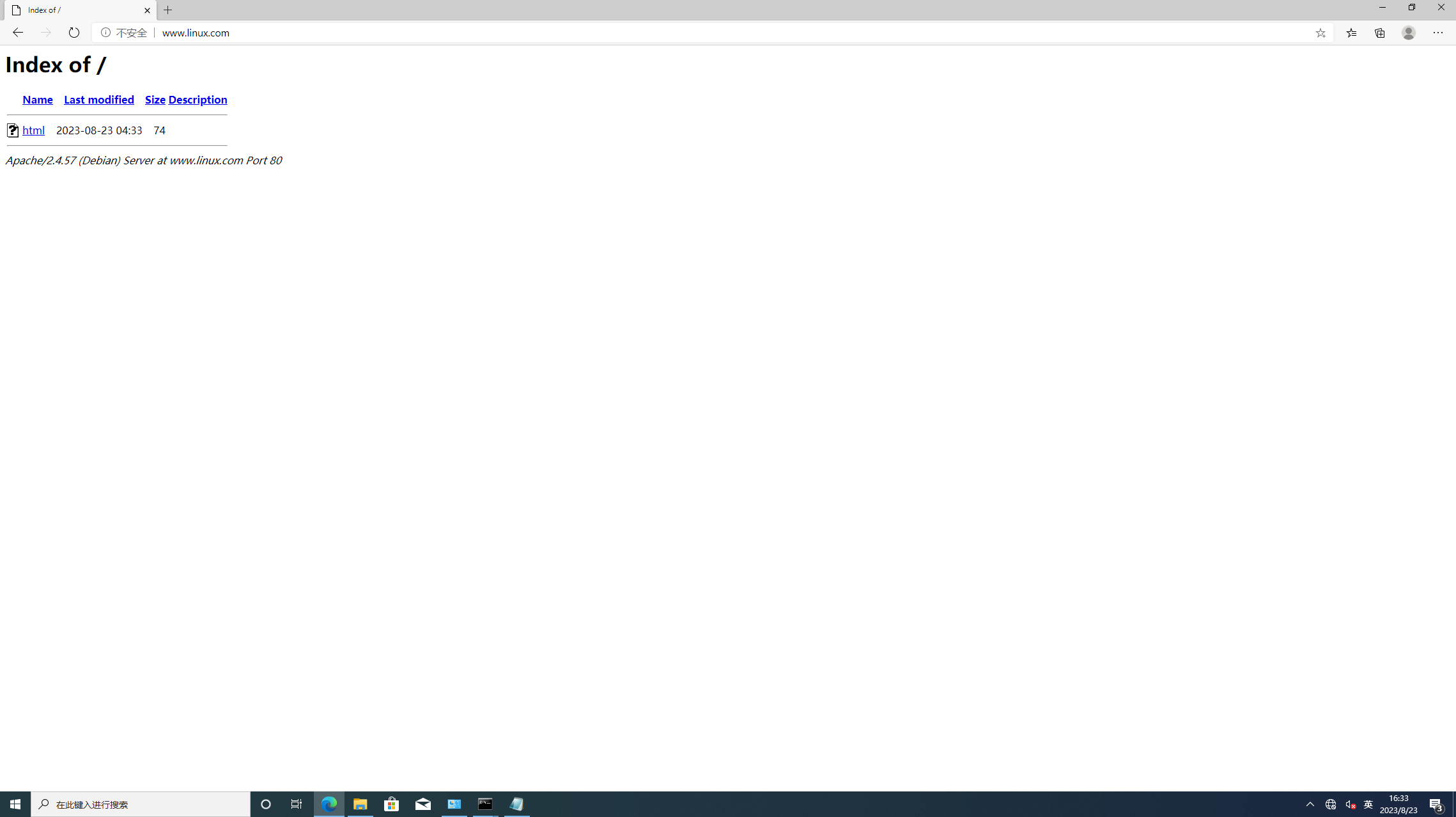
点击 html文件:
查看内容: